

Take routine tasks off your team's hands
Let Fresh KDS handle recurring screen actions and customer updates. Start with a template or build rules for the way your kitchen works.
Start using Automations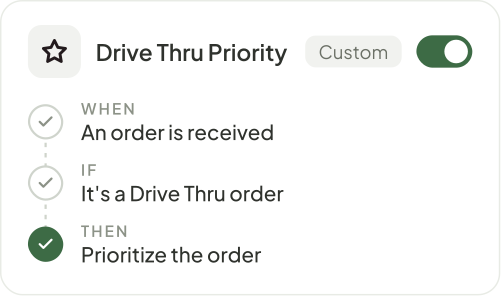

Keep your team focused on the food
Give routine tasks an automatic response.
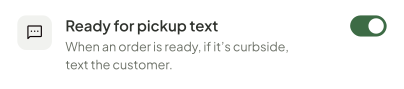
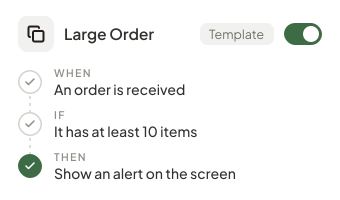
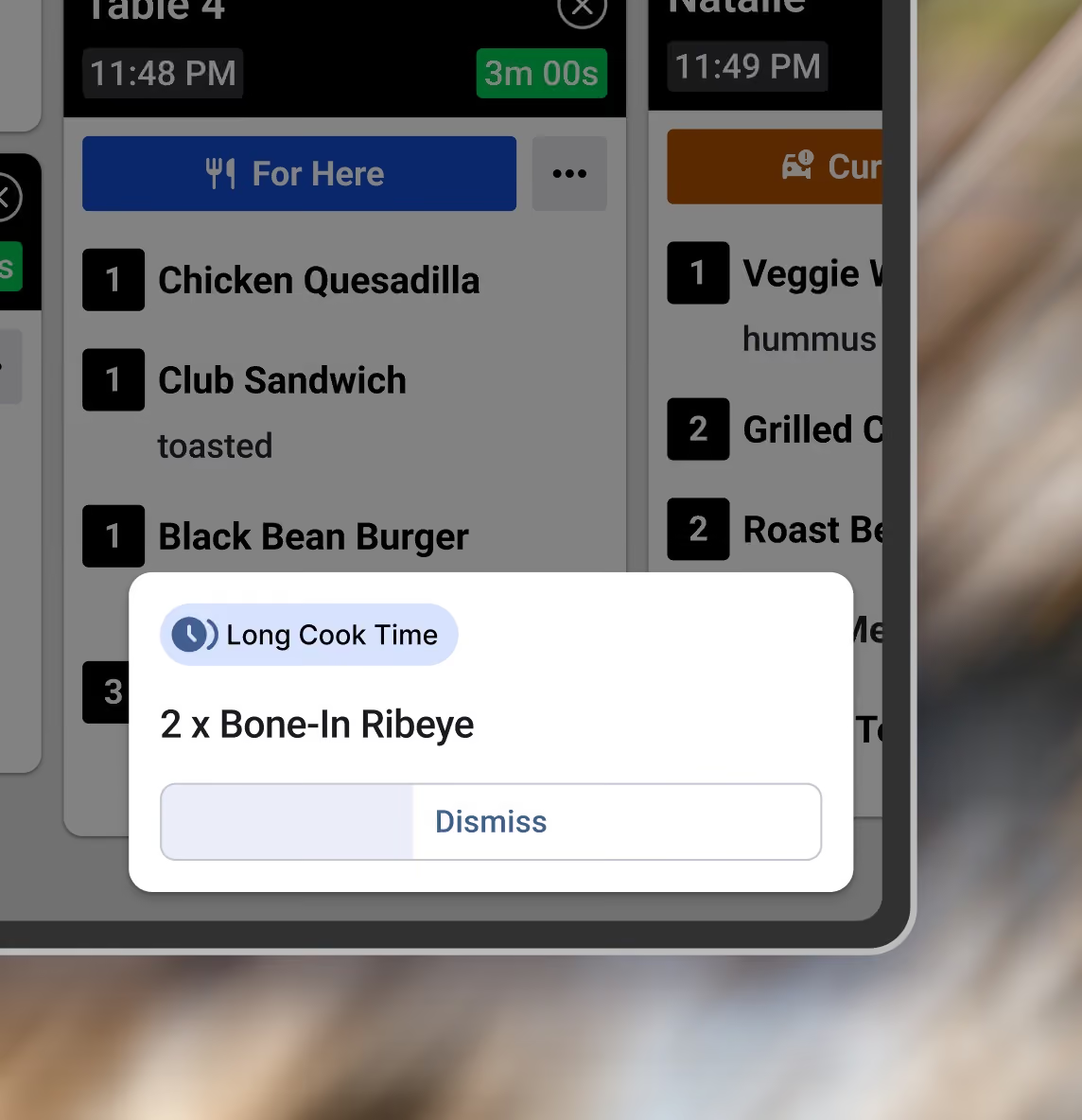
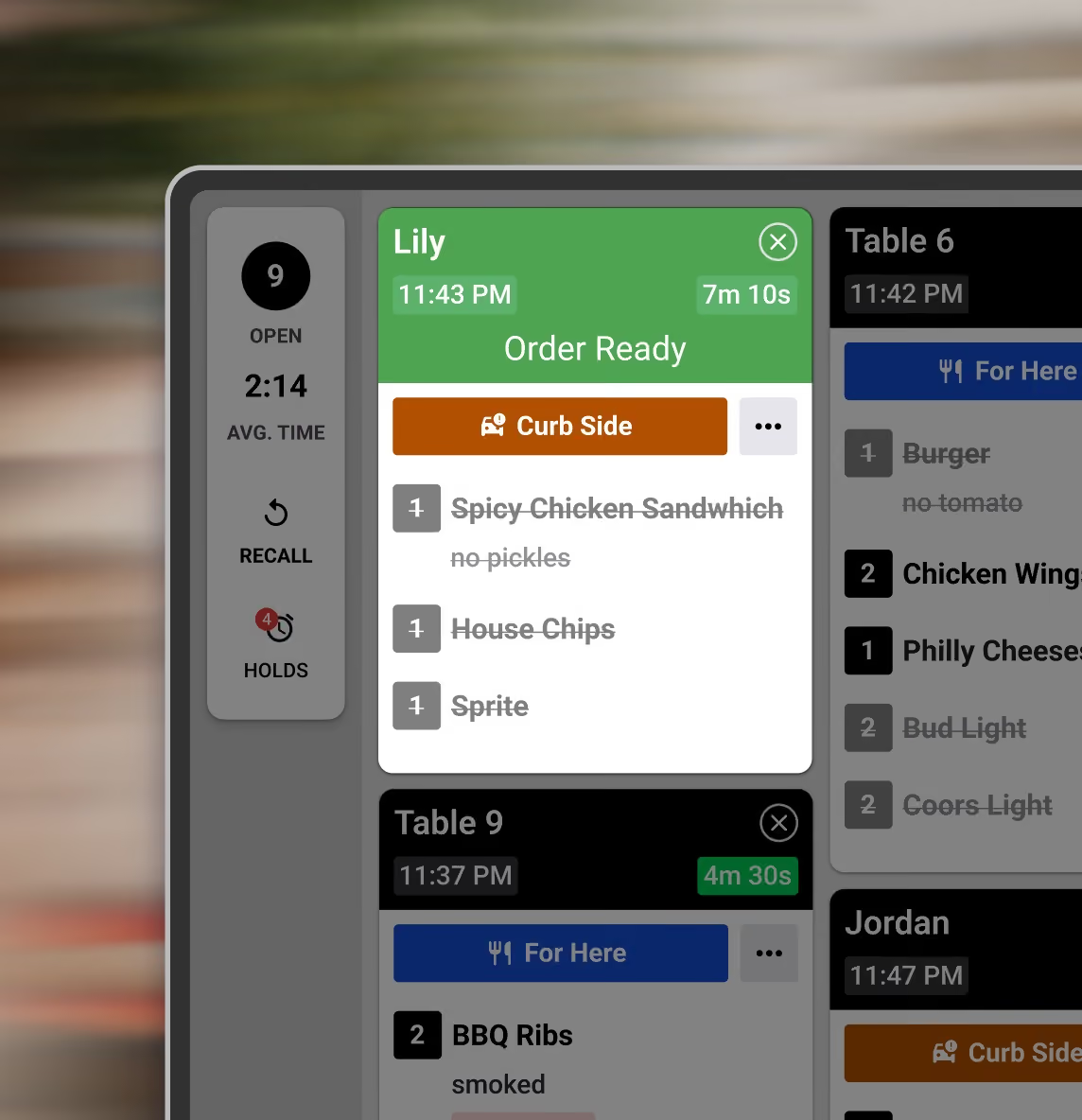
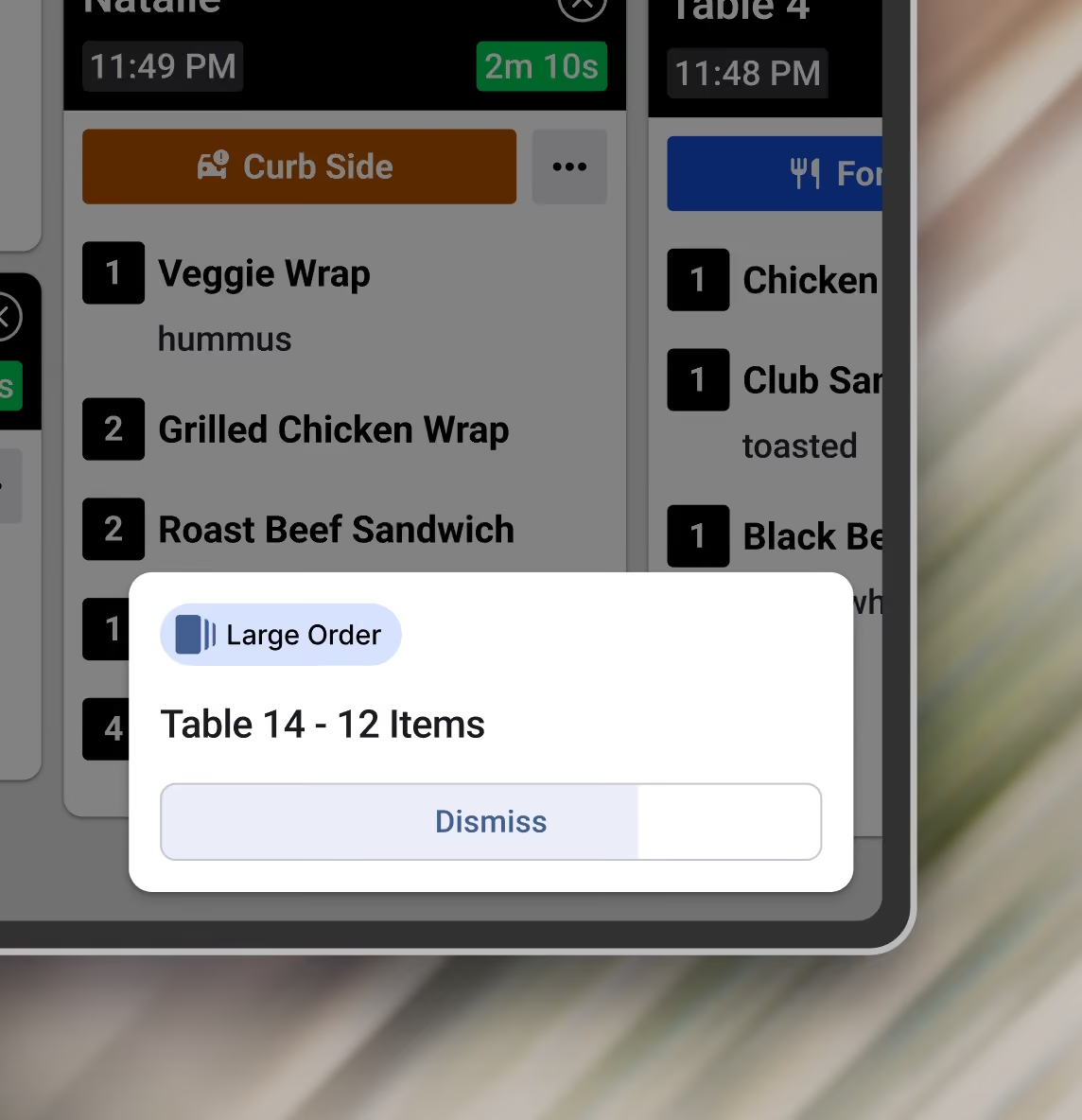
Call out slow-cook items, get a heads-up on large orders, or bring ready orders forward. Start with a template and adjust it for your kitchen.
Tailor automations to your exact needs
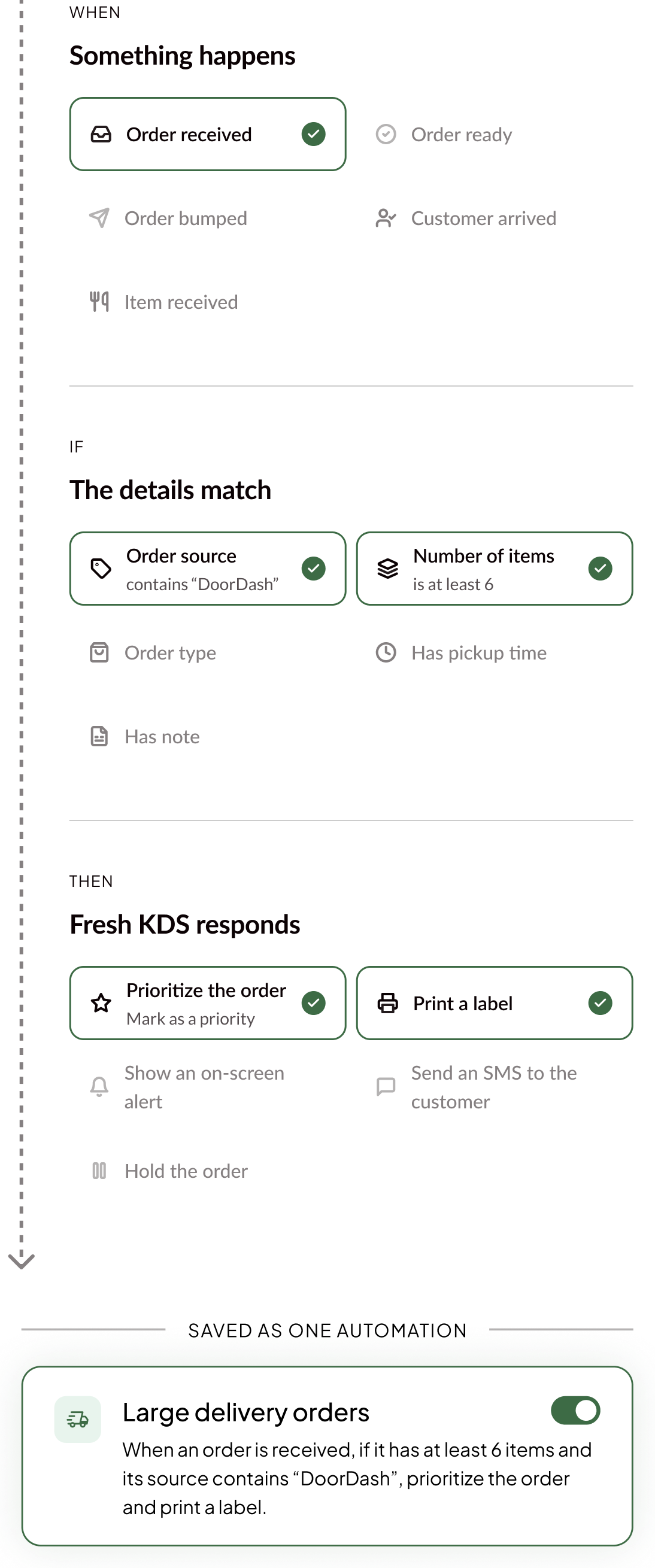
Match a kitchen event with the details that matter, then choose one or more actions. Build rules for your menu, orders, and workflow.
Start using Automations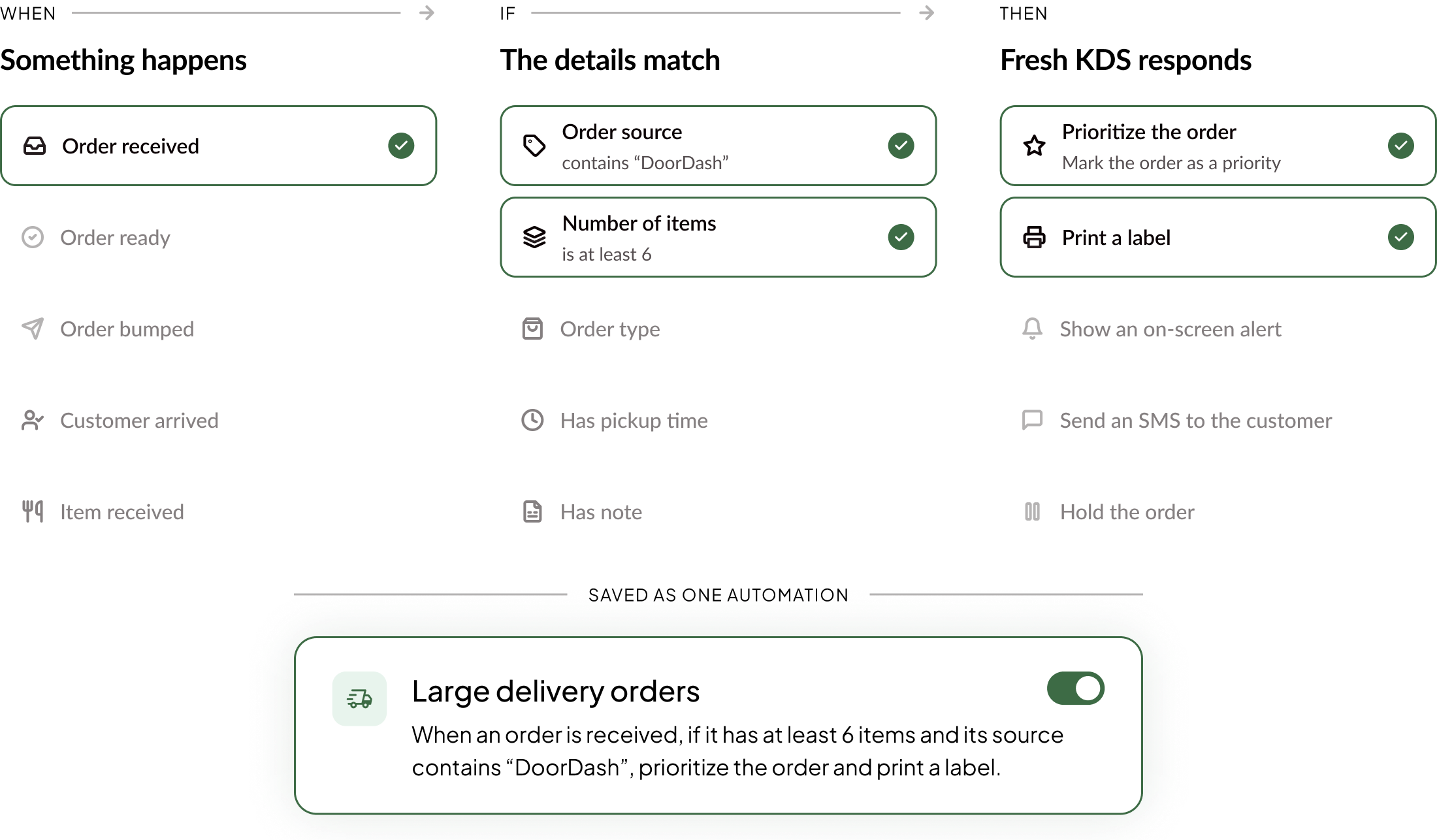
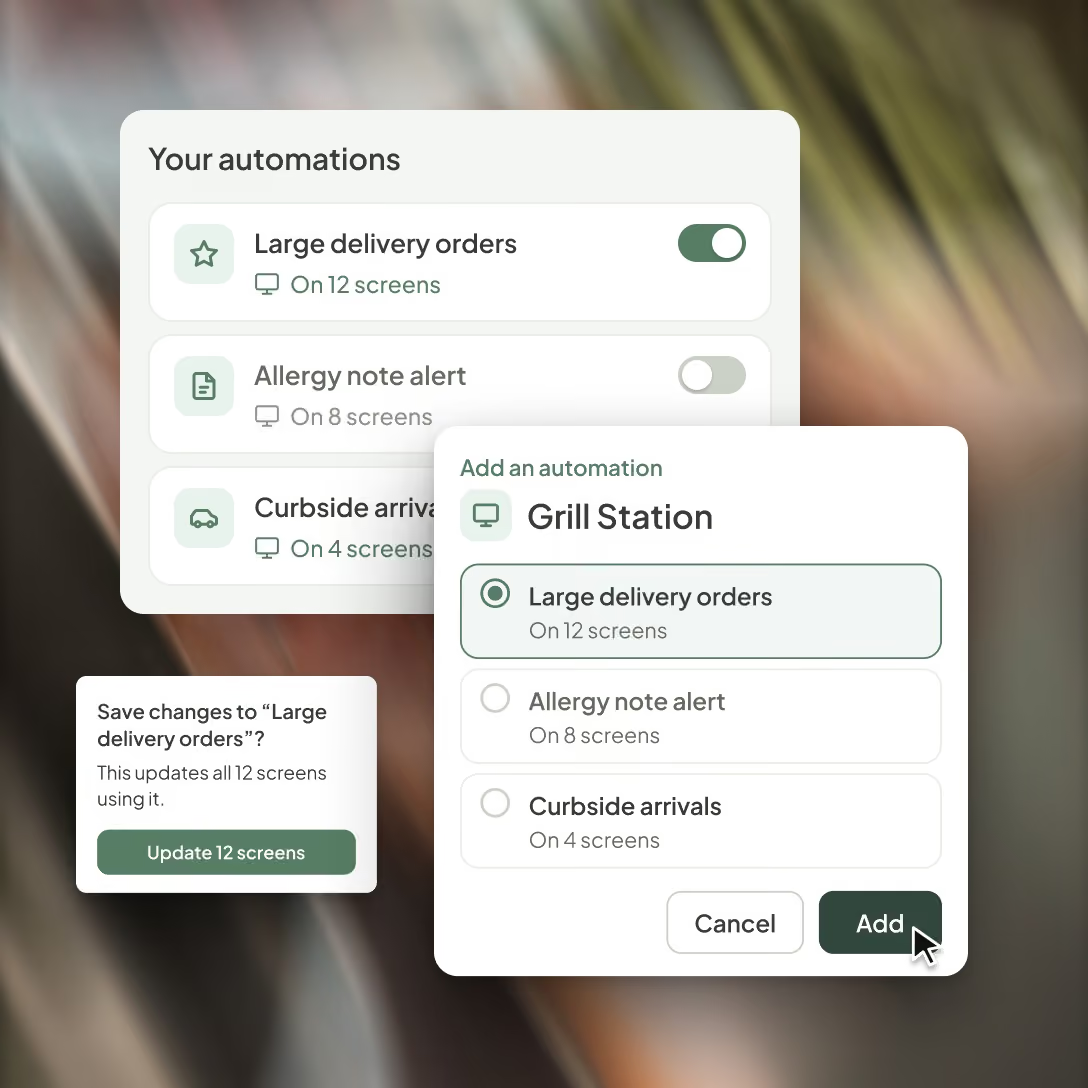
Create once. Deploy everywhere.
Choose where it runs
Assign a saved automation to one screen or reuse it across the stations and locations that need it.
Update a shared rule
Edit it in your library and see how many screens the change will affect before you save.
Turn it on or off
Stop a shared automation across its assigned screens, then turn it back on whenever you need it.
FAQ
Find quick answers to common questions about Automations, how they work, and how to set them up for your kitchen.
Take repeat tasks off your team's hands.
Get started with Fresh KDS to automate the screen actions and customer updates your team handles every shift.