

Show customers exactly when their order is ready
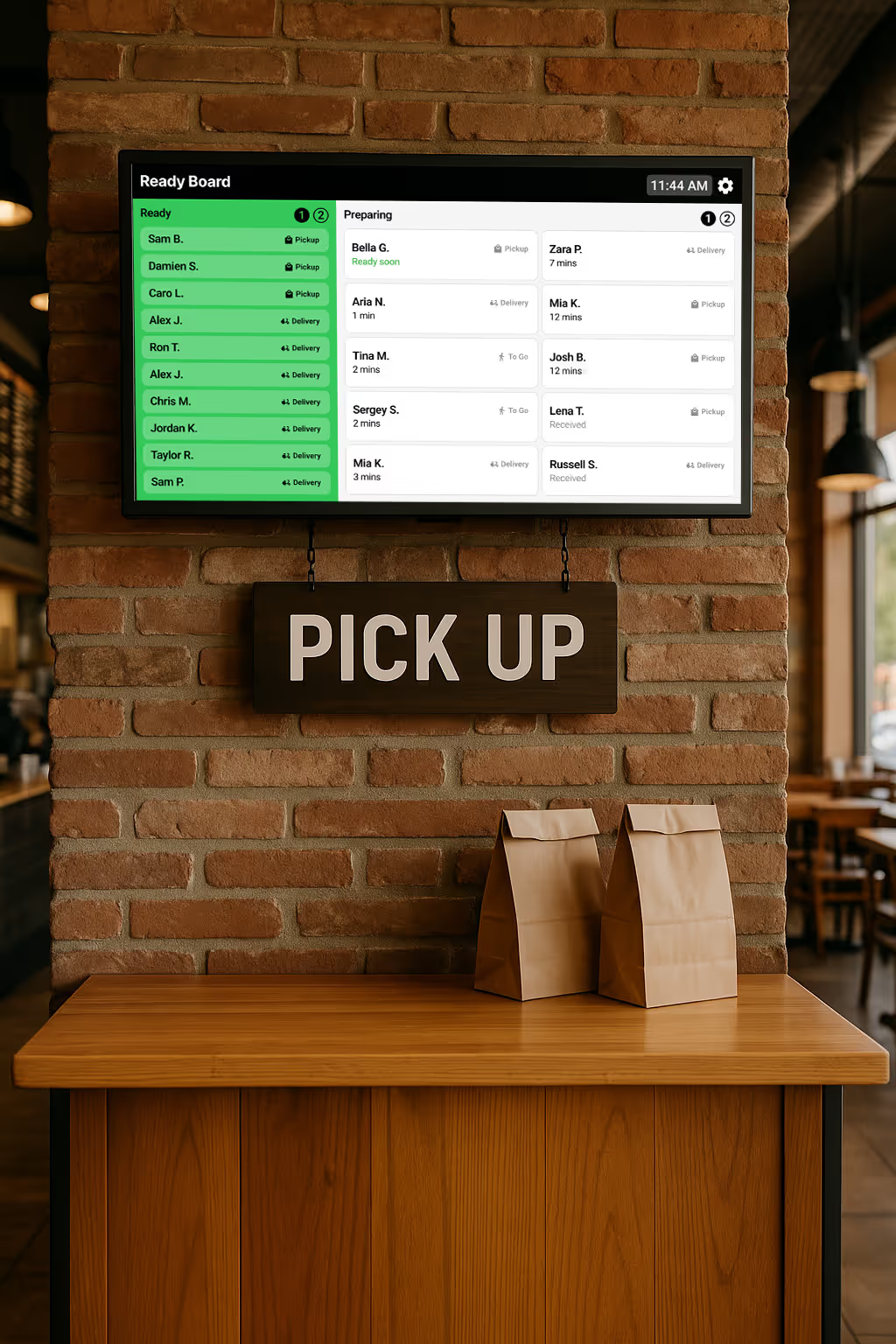
A better pickup experience for your customers and your team
Instant visibility
Faster handoffs
Less front-counter chaos
Automatically updates as you work
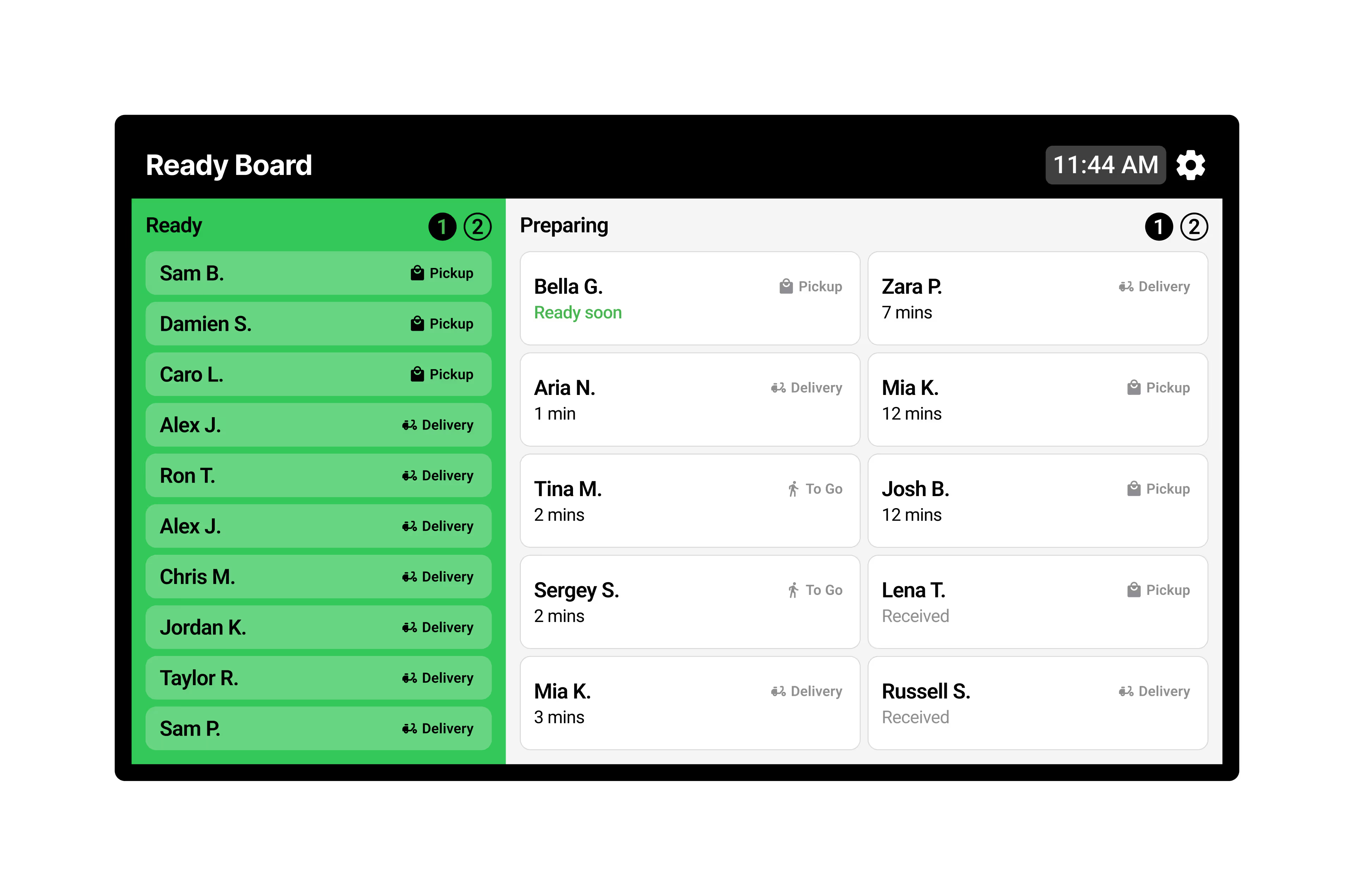
As your team works in Fresh KDS, Order Tracker updates automatically. New orders appear under Preparing, and once they’re bumped in Fresh KDS, they move to Ready. The screen stays perfectly in sync with your kitchen, keeping customers informed and pickups effortless.
Clear order details & updates at a glance
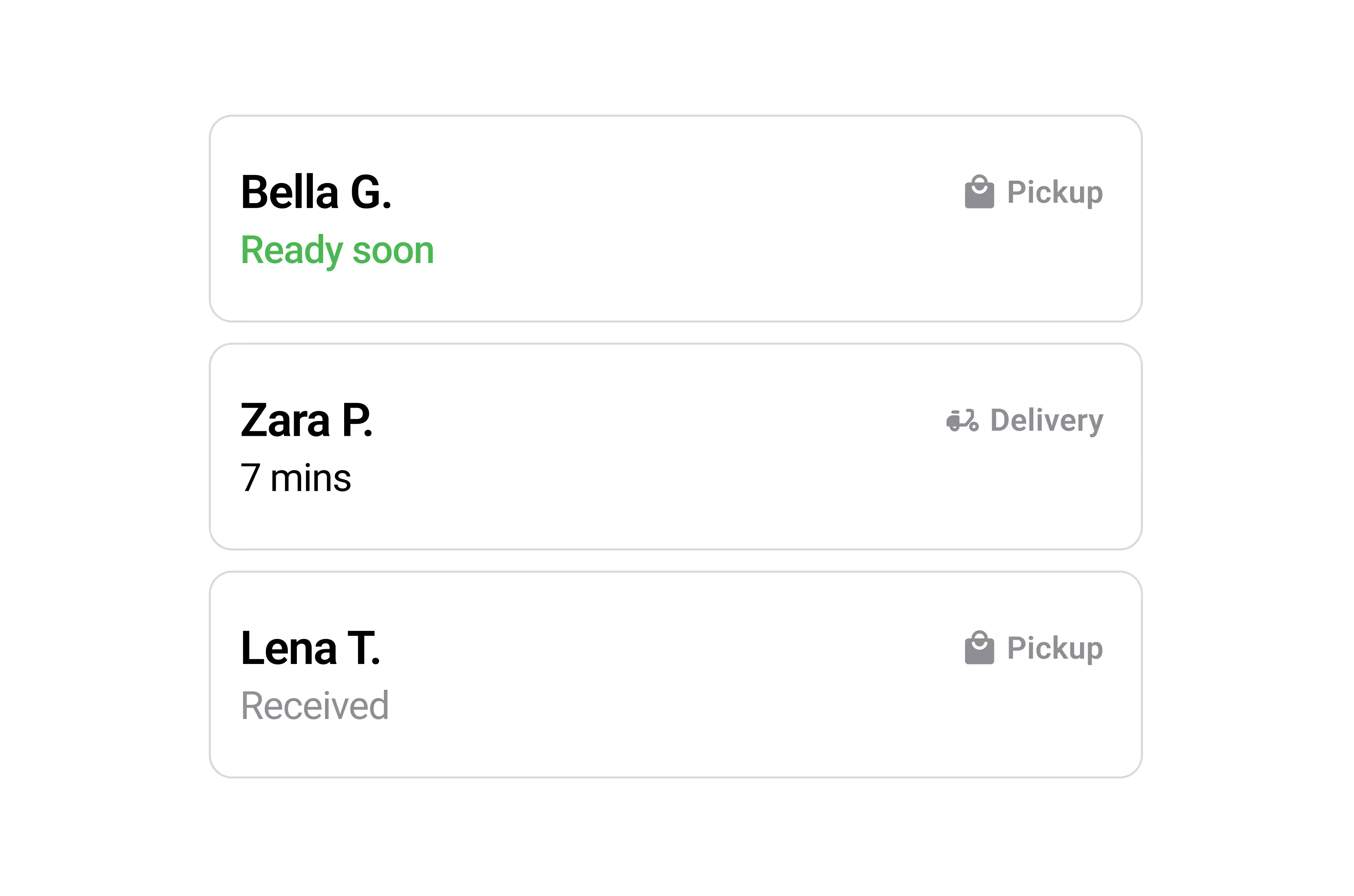
Each order card displays the key details customers and drivers need — including the name the order was placed under, whether it’s for pickup, delivery, or to-go, and its current status such as Received, Ready Soon, or an estimated ready time.
Make it yours with custom branding
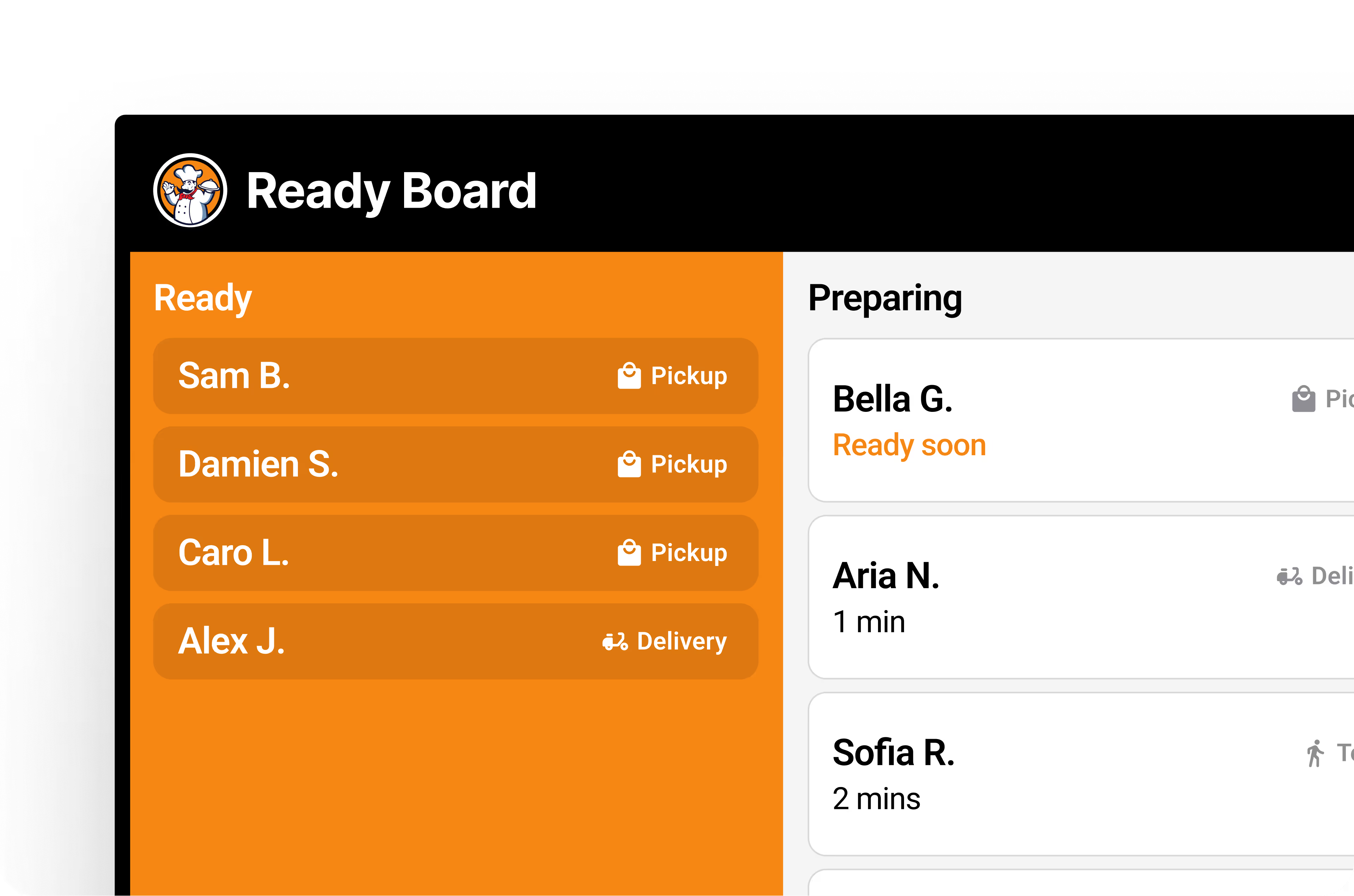
Add your logo and colors to make Order Tracker feel like part of your space. A branded display helps your pickup area look polished and familiar while keeping the focus on your restaurant’s experience.


Upgrade your Fresh KDS plan to gain access
per screen
per screen

Fresh KDS works with any tablet/touch screen monitor running iOS 13+ or Android 7+.

Rearrange orders on the screen, hold orders until they’re ready to be prepared, and recall previously cleared tickets.
Manually mark critical orders to stand out, or automatically sort orders to ensure they get prepared quickly.
Set specific time thresholds for order statuses, providing visual alerts that help your kitchen staff manage preparation times effectively.
Get detailed reports on kitchen metrics, enabling data-driven decisions to enhance efficiency and service quality.
Customize notification sounds for new orders, updates, and curbside arrivals—keeping staff informed without disrupting workflow.
per screen
per screen
Take full control of your kitchen’s printing needs directly from Fresh KDS. From complete order tickets to individual item labels.
Get real-time ingredient totals across all open orders—no manual counting needed.
Every kitchen is different. Fresh KDS has multiple options for screen communication so you can keep every station in perfect sync.
Style modifiers by keyword with color and text formatting so critical order details—like allergens or special requests—stand out on screen and reduce costly prep mistakes.
Provide real-time kitchen performance insights, displaying average ticket times, order counts, and status breakdowns directly on your KDS.
Send automated, customizable text messages to customers, keeping them informed about their order status.