See what's costing you repeat visits
Set timing windows that fit your restaurant. Fresh KDS uses them to identify orders finished too late or too far ahead of pickup, show customers affected, and inform recommendations for your kitchen.
Get started — it's free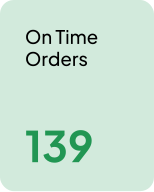
Protect the experience guests come back for
Use your unique kitchen timing data to improve service and give guests a reason to return.
Define what on time means for your kitchen
Set on-time, close, and off-target windows for in-store and online orders.
Start with a suggested goal for your service type, then drag the sliders to adjust each window. Fresh KDS uses your saved targets to evaluate order timing and inform recommendations specific to your kitchen.
Get started — it's free.avif)
Find timing problems. See what to improve.
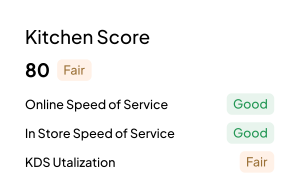
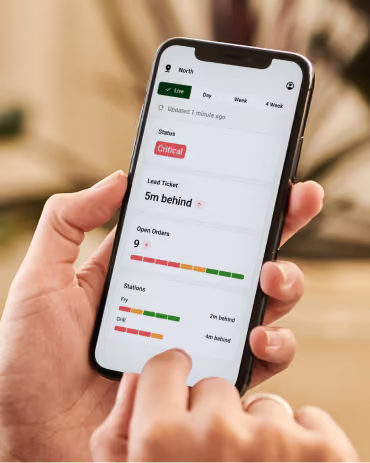
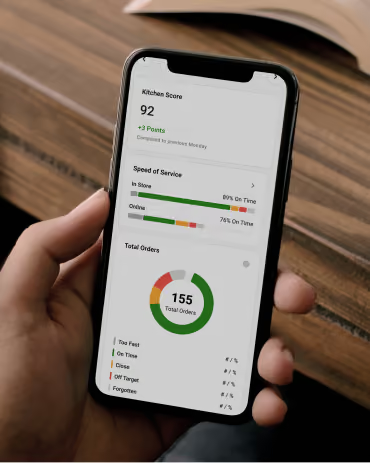
See live and historical performance across your brand, from orders missing guest expectations down to the stations and items where time is being lost.
Get started — it's freeSee how many orders missed expectations
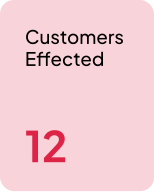
See Customers Affected alongside total orders and on-time results, then open the off-target orders to review their timing.
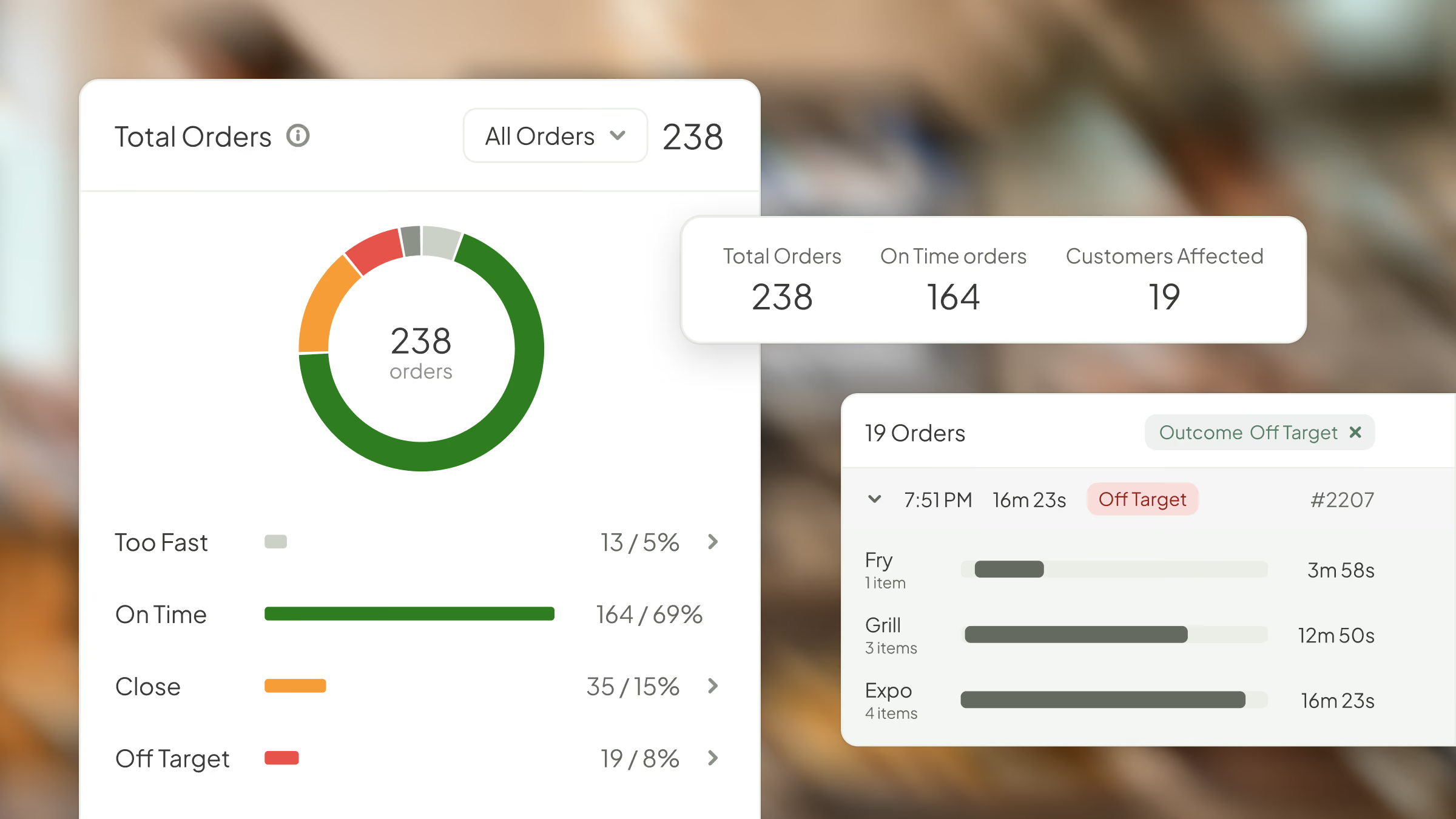
Find where off-target orders happen most
Compare results by hour, ordering channel, and location to see whether timing problems concentrate around a particular rush, channel, or kitchen.
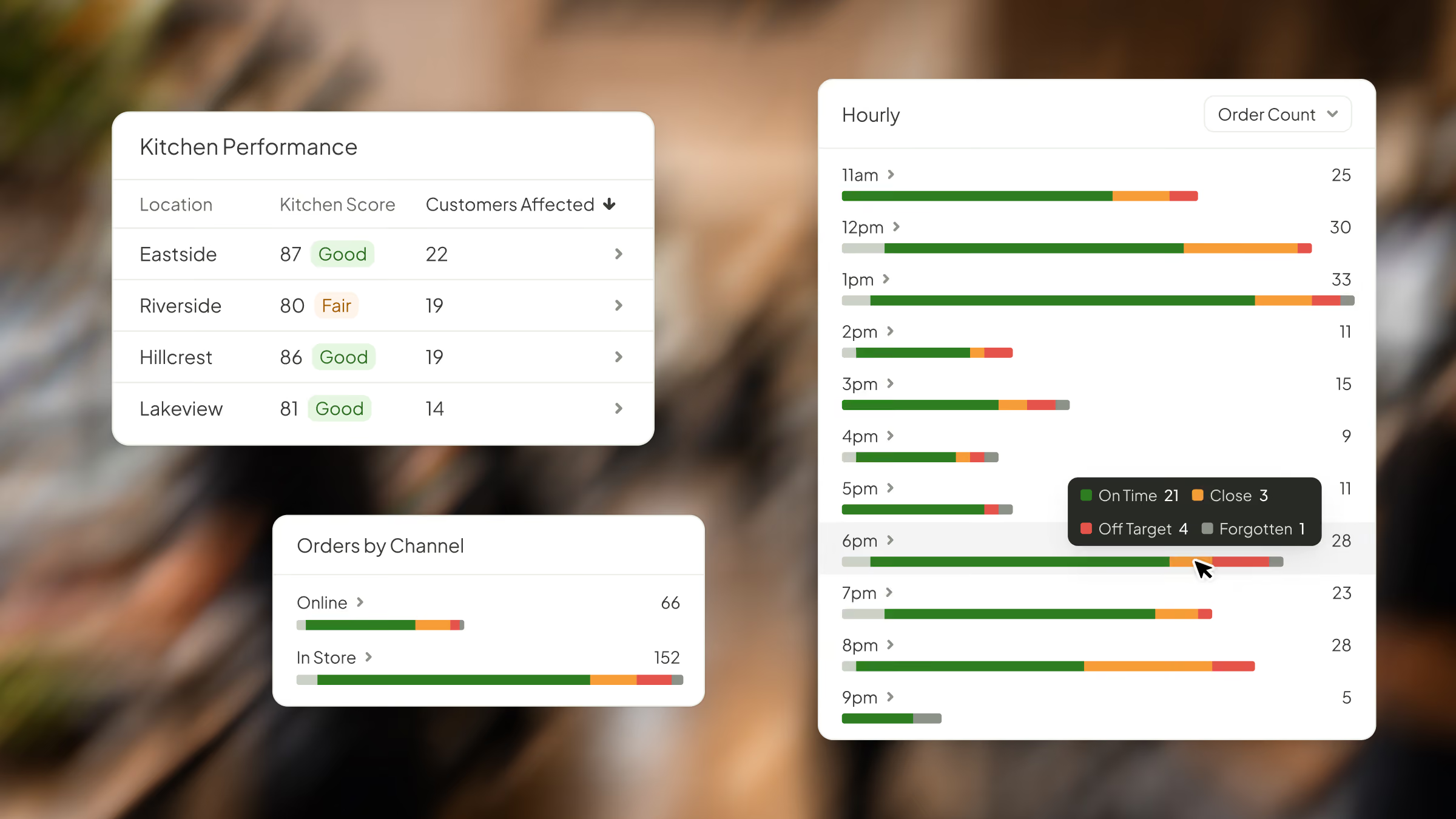
Get recommendations to improve order timing
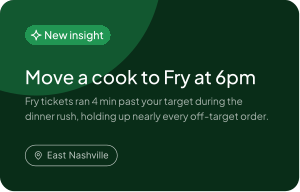
Insights uses your location’s performance data to suggest specific improvements, with supporting evidence to help you decide what to address.
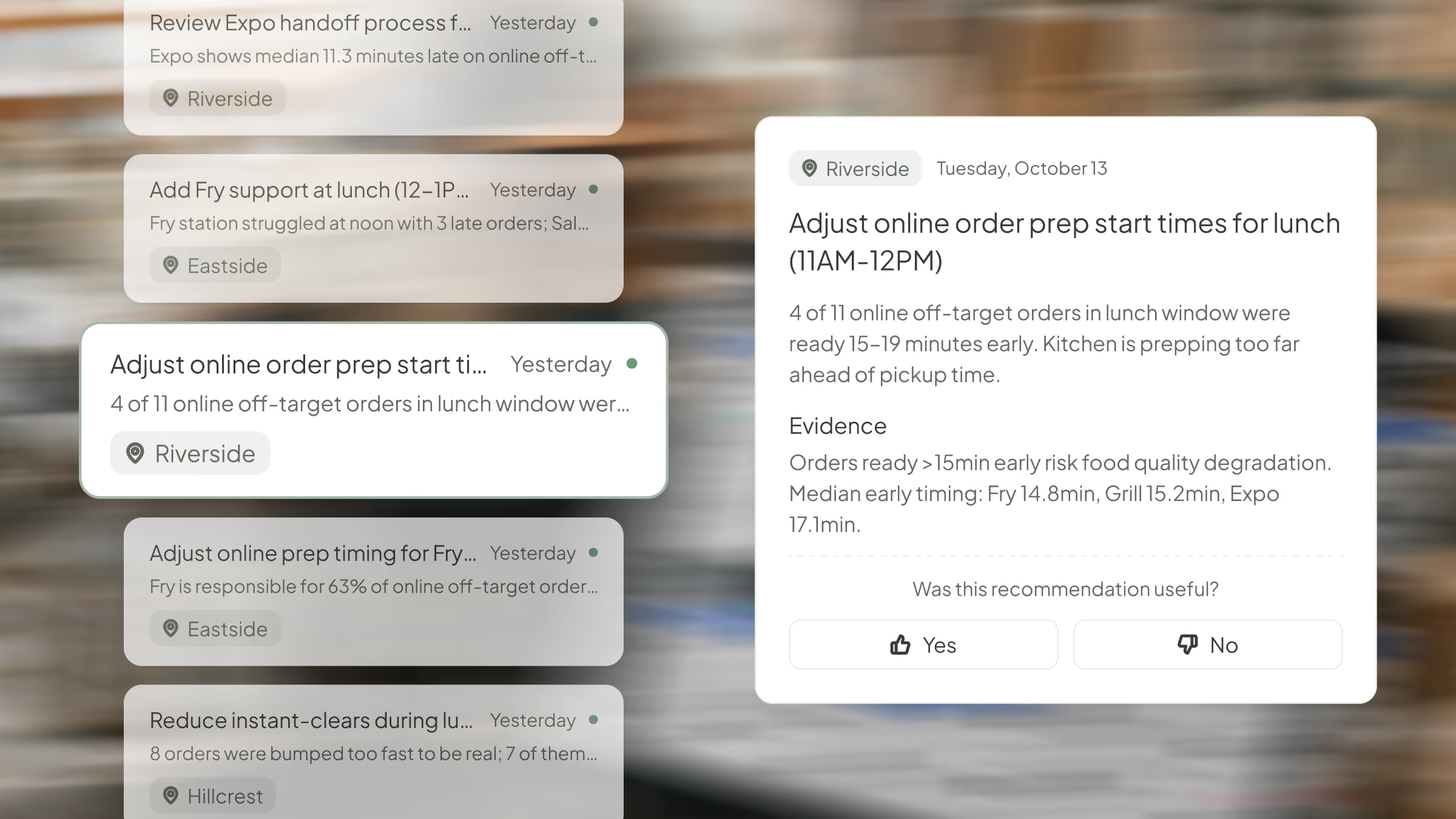
Find timing problems. See what to improve.
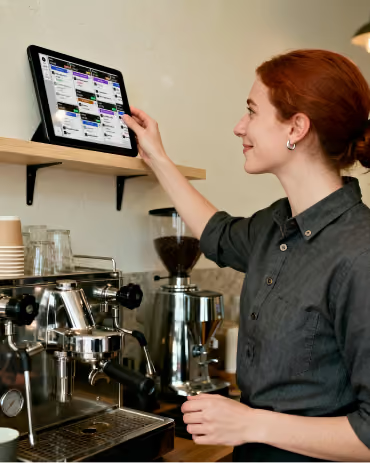
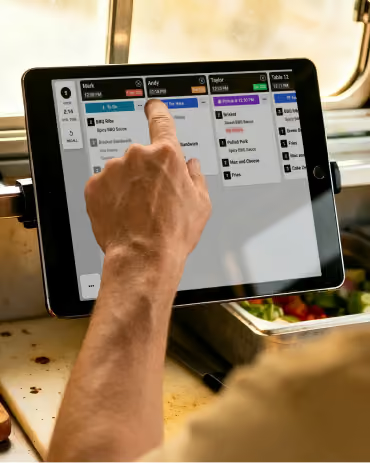
Fresh KDS measures orders against your targets to show customers affected, reveal recurring timing problems, and recommend improvements for your kitchen.
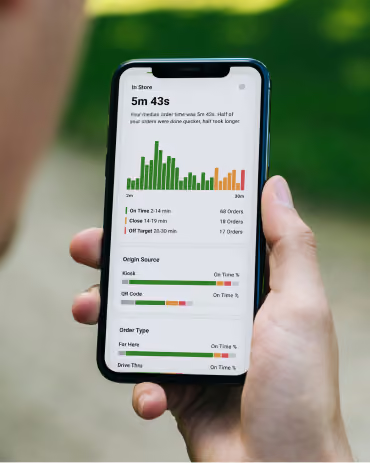
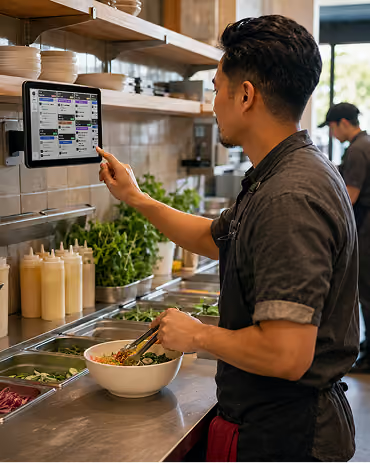
Start measuring service against your own standards.
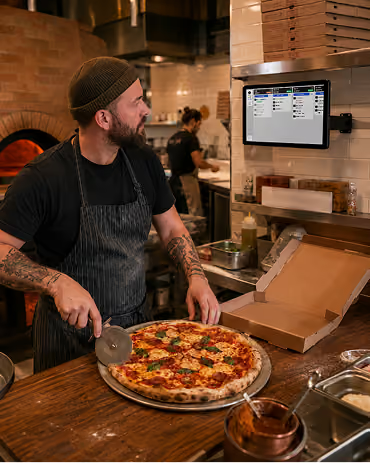
Get started with Fresh KDS for free, then set performance targets that fit your kitchen to see which orders miss expectations and where service needs attention.
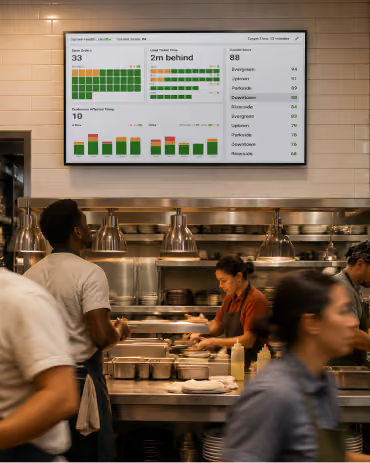
Start measuring service against your own standards.
Get started with Fresh KDS for free, then set performance targets that fit your kitchen to see which orders miss expectations and where service needs attention.
FAQs
Find quick answers to common questions about Performance Targets, how they work, and how to set them for your kitchen.