Turn your kitchen data into clear next steps
Insights brings together the findings from your kitchen’s last full day of service and recommends where to focus. Get specific suggestions, with supporting evidence, without piecing the explanation together yourself.
Get started for freeKnow where to focus in your kitchen
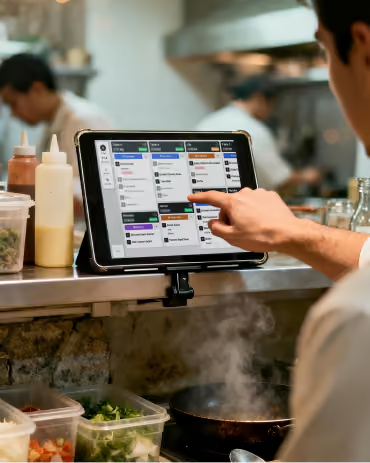
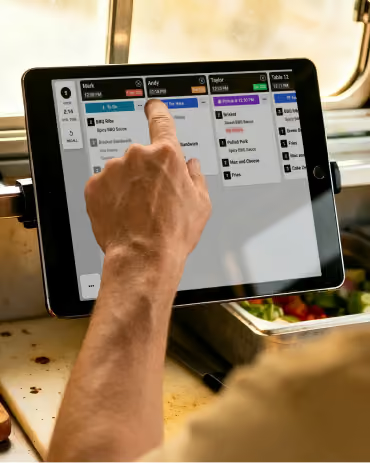
Fresh KDS connects the dots for you
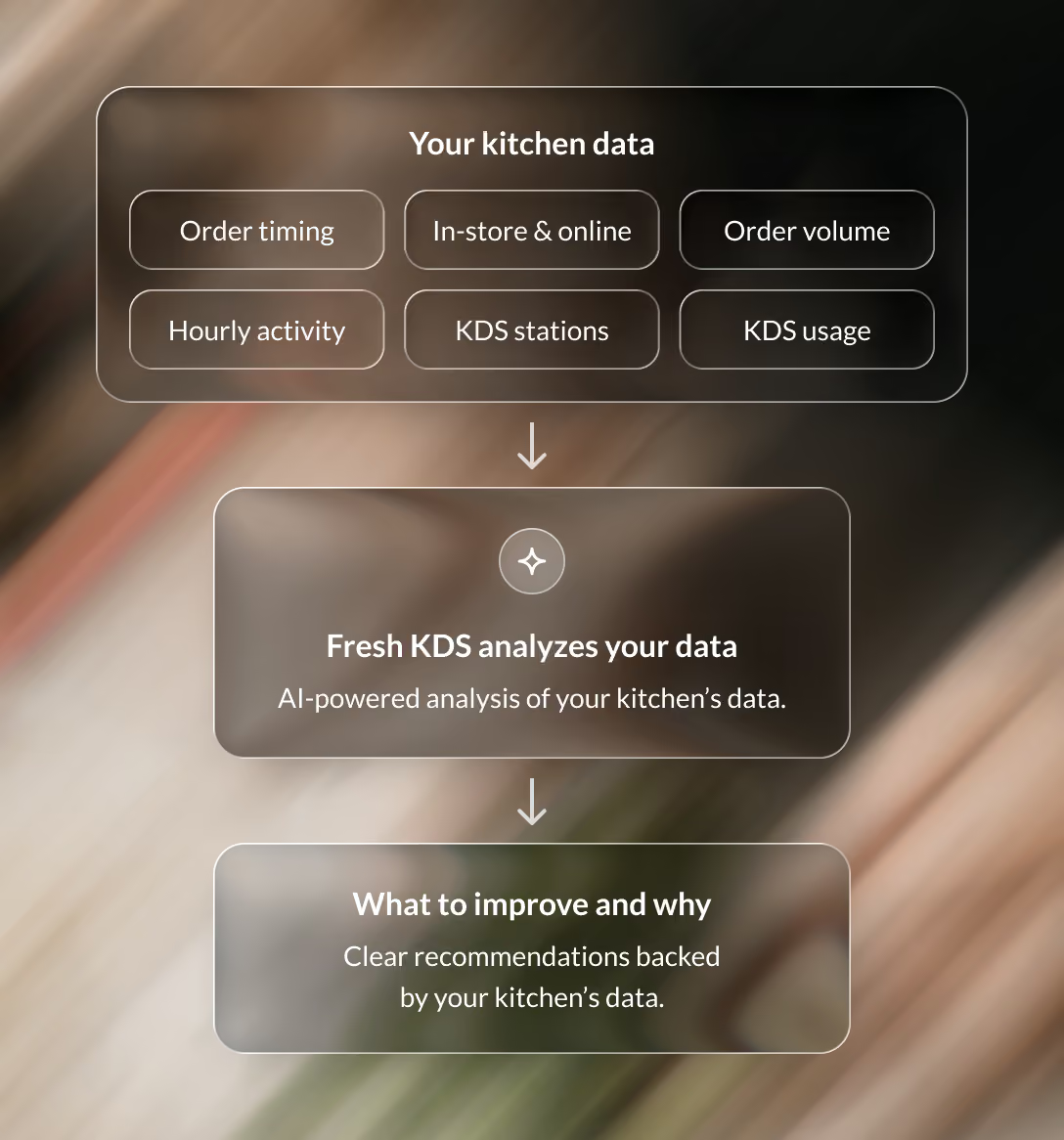
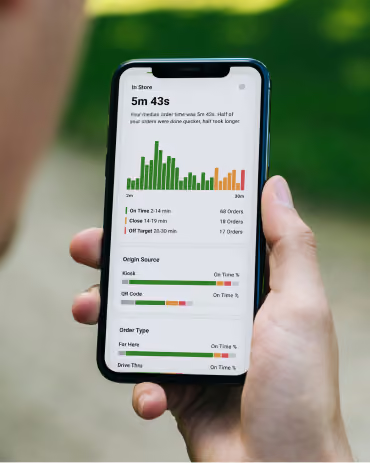
Fresh KDS uses AI to review your kitchen’s last full day of service, including order timing, hourly results, and station performance. It connects those findings to recommend where to focus and what to try next.
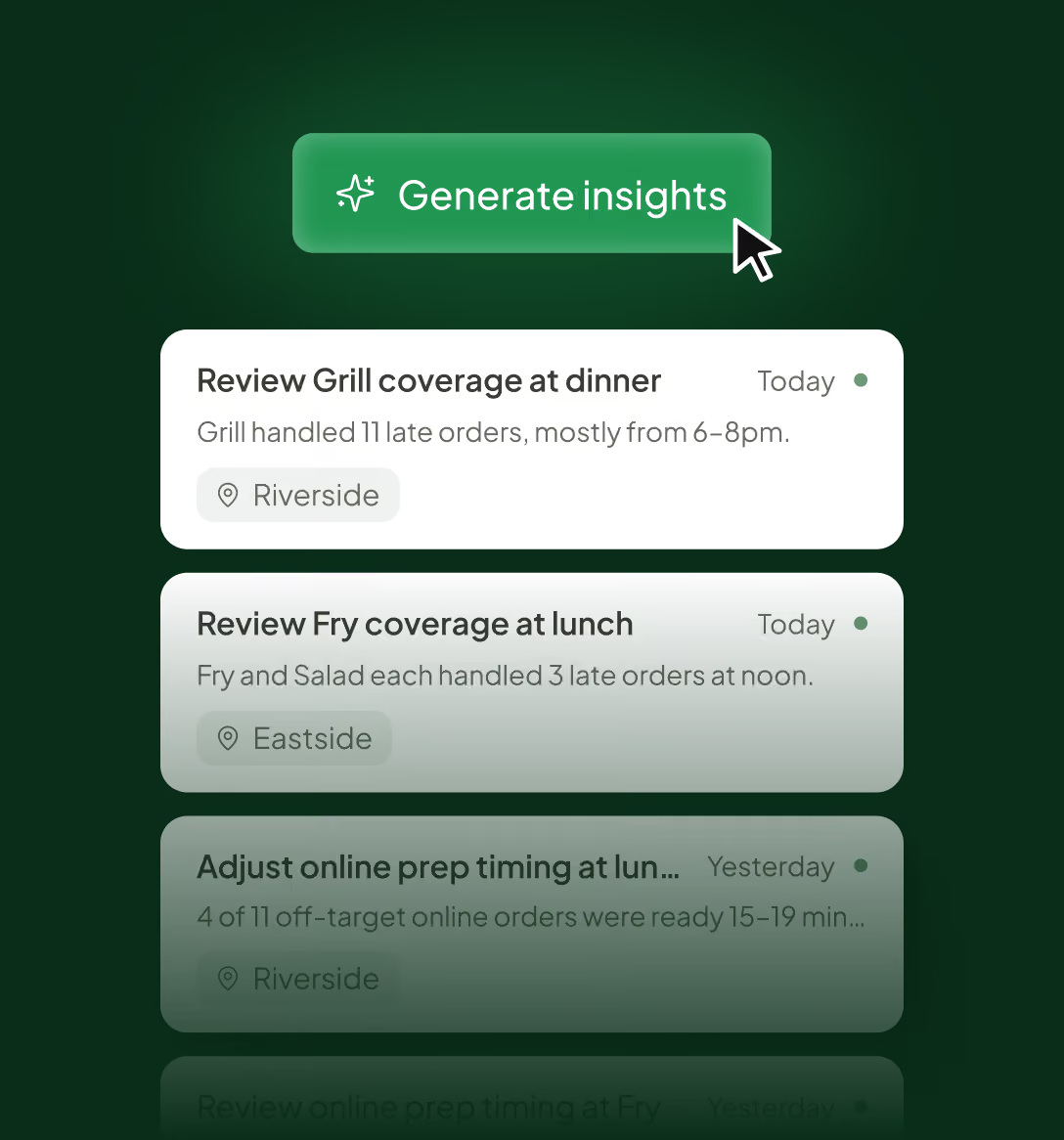
Review your insights at a glance
Generate insights from your kitchen’s last full day of service, then scan the suggestions to choose what deserves a closer look. Managing several locations? View their insights together or filter to one kitchen.
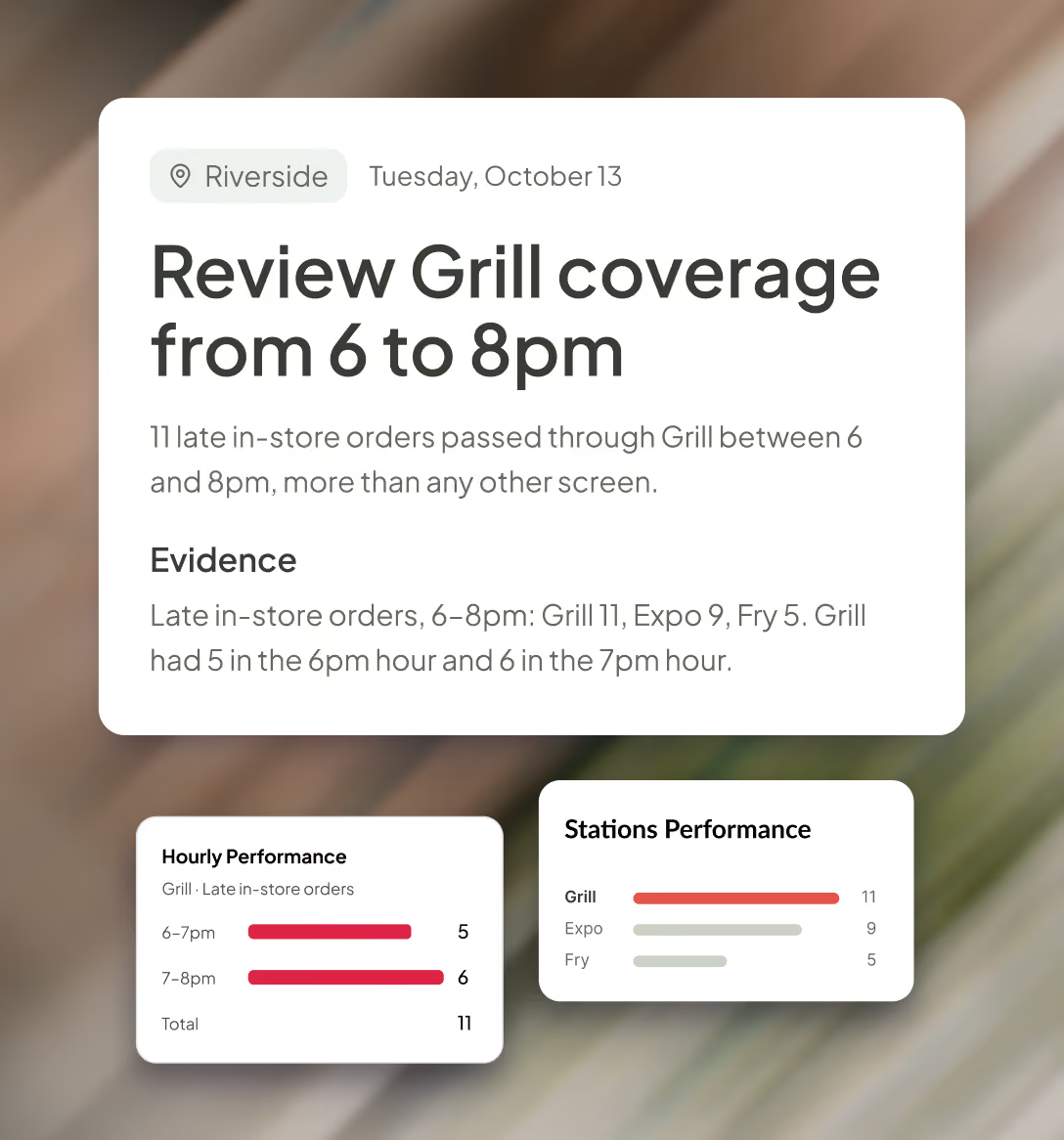
See the evidence behind the advice
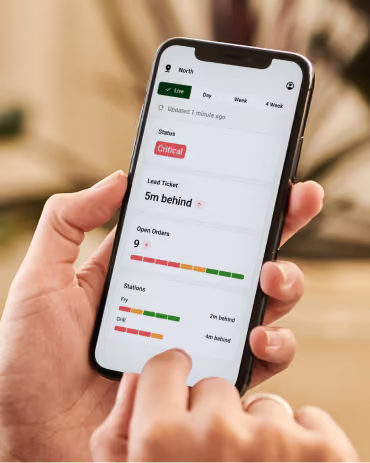
Open a recommendation to see the findings that led to it, including the hours, order results, and KDS stations involved. Get the context to judge how the suggestion fits your kitchen.
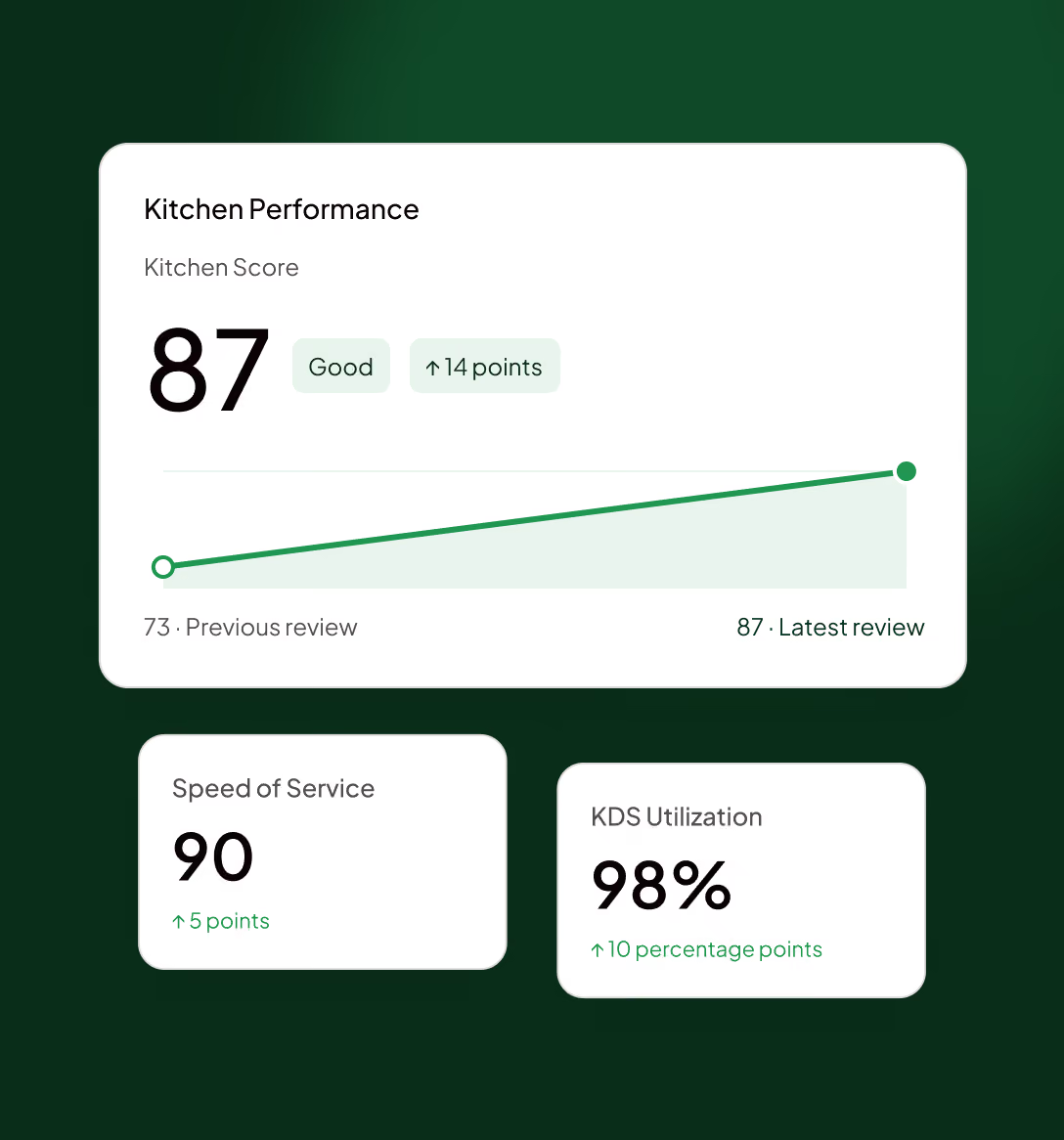
Make a change. Measure the difference.
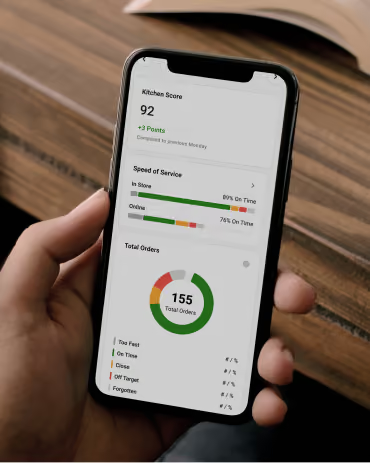
Put a suggestion into practice with your team, then follow your Kitchen Score and on-time performance in Kitchen Analytics. See how service changes over time and use the results to guide your next improvement.
Give your next shift a clearer plan
Get started with Fresh KDS for free and turn your kitchen’s service data into recommendations your team can act on.
FAQ
Quick answers about what Insights looks at, how to use it, and what you need to get started.