Fraud Blocker
All Blogs
Kitchen Display Systems

How Enterprise Settings Management handles multi-brand complexity

Manage Fresh KDS settings across brands, groups, and locations from one place. Push updates to every assigned screen without configuring devices one by one.

ABOUT THIS RESTAURANT

Service Type

Locations:

Location

POS Used

See how Fresh KDS can impact your kitchen efficiency today.
Get started
Simplify your kitchen operations with Fresh KDS.
Get started — it's free

The problem: one tablet, one setting, repeated everywhere

For a single-location restaurant, updating a kitchen screen setting is a small task. Walk up to the tablet, make the change, done.

For a multi-brand operator or a franchise system running dozens or hundreds of locations, that same small task multiplies. A setting that needs to change across every location means someone touching every device, one at a time, hoping nothing gets missed along the way. And when a franchise group runs more than one brand out of the same back office, that work often has to happen separately for each brand, since a setting that's right for one concept isn't automatically right for another.

Fresh KDS Enterprise Setting Management was built to take that manual, one-tablet-at-a-time work off the table.

Station profiles that belong to the brand, not the device

The core idea behind Enterprise Setting Management is simple: a setting should belong to the level of the organization it actually describes, not to whichever tablet happens to be running it.

Brand, group, and location: three levels, one hierarchy

Enterprise Setting Management organizes configuration into three levels:

  • Brand: settings that should apply everywhere a brand operates
  • Group: settings for a defined subset of locations, a region, a franchise group, or any other grouping that makes sense for the business
  • Location: settings specific to one restaurant's own layout, stations, or workflow

A station profile can live at whichever level fits it. A brand-wide rule about order type colors can sit at the brand level. A regional group running a different POS integration can have its own group-level configuration. A single location with an unusual station layout can still have a setting that's specific to it.

Configuration that inherits, not repeats

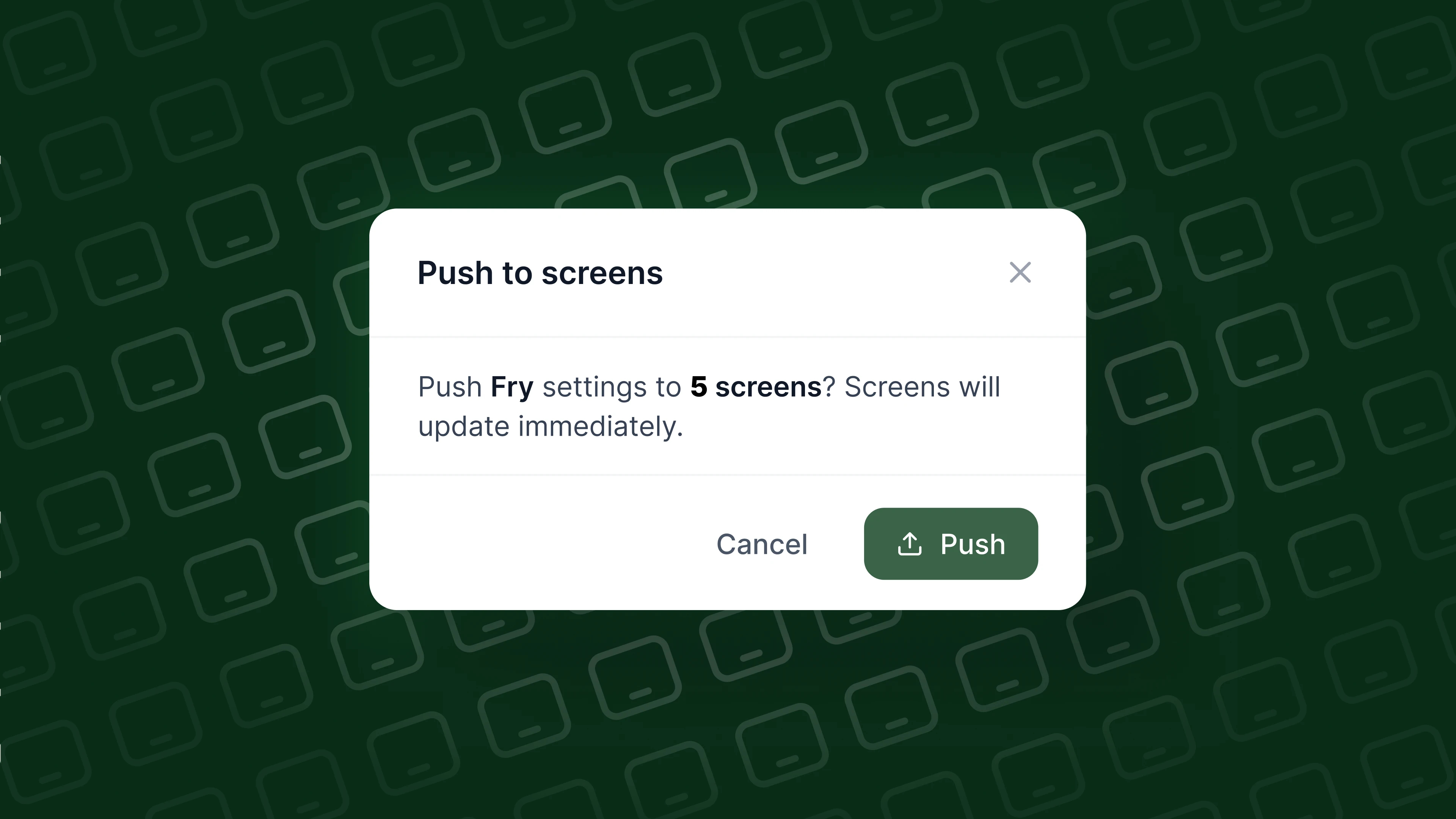
Once a station profile exists at a given level, every device assigned to it inherits that configuration automatically. Change the profile once on the web, save it, and the update pushes live to every assigned screen, whether that's a handful of devices at one location or every screen across an entire brand.

That's the practical shift: configuration stops being something IT repeats device by device, and becomes something they set once and trust to reach every screen it should.

Reseller and multi-brand separation

Multi-brand operators and reseller partners have a specific version of this problem. A reseller may manage several distinct restaurant brands through Fresh KDS, each with its own configuration needs, its own POS setup, and its own operational standards. 

Multiple brands need to stay fully separated so that a change made for one brand never bleeds into another.Enterprise Setting Management keeps that separation intact. Each brand's station profiles, groups, and locations are managed independently, even when a single reseller or multi-brand company is overseeing all of them from one Fresh KDS account.

What this means for IT and operations

For an IT lead or operations manager responsible for kitchen technology across many locations, the value shows up in a few concrete ways:

  1. Configure real devices in production from one place, without a truck roll or a tablet-by-tablet visit
  2. Push a single, tested change out to every assigned screen at once, rather than trusting that each location's team applies it the same way
  3. Keep brand-level standards consistent while still allowing a specific location or group to have its own settings where that's genuinely needed
  4. Manage multiple brands or reseller accounts side by side without configuration for one brand ever touching another

That's speed to value for the people who own configuration, and it's part of a broader Fresh KDS product principle: powerful kitchen tools should be simple enough that the team managing them isn't fighting the tool itself.

What's next

Enterprise Setting Management is live and configuring real devices in production today, with more of the settings app coming into view as Fresh KDS builds toward the full Performance Platform. It's a settings app, not a rebuild of the entire Fresh KDS web experience. The goal is a place where brand, group, and location configuration lives clearly, so kitchen teams spend their time running service instead of repeating the same setup across every screen.

See how Enterprise Setting Management works real time, or talk to our team about what it looks like for a multi-brand or multi-location operation.

August 7, 2026

How Enterprise Settings Management handles multi-brand complexity

The problem: one tablet, one setting, repeated everywhere

For a single-location restaurant, updating a kitchen screen setting is a small task. Walk up to the tablet, make the change, done.

For a multi-brand operator or a franchise system running dozens or hundreds of locations, that same small task multiplies. A setting that needs to change across every location means someone touching every device, one at a time, hoping nothing gets missed along the way. And when a franchise group runs more than one brand out of the same back office, that work often has to happen separately for each brand, since a setting that's right for one concept isn't automatically right for another.

Fresh KDS Enterprise Setting Management was built to take that manual, one-tablet-at-a-time work off the table.

Station profiles that belong to the brand, not the device

The core idea behind Enterprise Setting Management is simple: a setting should belong to the level of the organization it actually describes, not to whichever tablet happens to be running it.

Brand, group, and location: three levels, one hierarchy

Enterprise Setting Management organizes configuration into three levels:

  • Brand: settings that should apply everywhere a brand operates
  • Group: settings for a defined subset of locations, a region, a franchise group, or any other grouping that makes sense for the business
  • Location: settings specific to one restaurant's own layout, stations, or workflow

A station profile can live at whichever level fits it. A brand-wide rule about order type colors can sit at the brand level. A regional group running a different POS integration can have its own group-level configuration. A single location with an unusual station layout can still have a setting that's specific to it.

Configuration that inherits, not repeats

Once a station profile exists at a given level, every device assigned to it inherits that configuration automatically. Change the profile once on the web, save it, and the update pushes live to every assigned screen, whether that's a handful of devices at one location or every screen across an entire brand.

That's the practical shift: configuration stops being something IT repeats device by device, and becomes something they set once and trust to reach every screen it should.

Reseller and multi-brand separation

Multi-brand operators and reseller partners have a specific version of this problem. A reseller may manage several distinct restaurant brands through Fresh KDS, each with its own configuration needs, its own POS setup, and its own operational standards. 

Multiple brands need to stay fully separated so that a change made for one brand never bleeds into another.Enterprise Setting Management keeps that separation intact. Each brand's station profiles, groups, and locations are managed independently, even when a single reseller or multi-brand company is overseeing all of them from one Fresh KDS account.

What this means for IT and operations

For an IT lead or operations manager responsible for kitchen technology across many locations, the value shows up in a few concrete ways:

  1. Configure real devices in production from one place, without a truck roll or a tablet-by-tablet visit
  2. Push a single, tested change out to every assigned screen at once, rather than trusting that each location's team applies it the same way
  3. Keep brand-level standards consistent while still allowing a specific location or group to have its own settings where that's genuinely needed
  4. Manage multiple brands or reseller accounts side by side without configuration for one brand ever touching another

That's speed to value for the people who own configuration, and it's part of a broader Fresh KDS product principle: powerful kitchen tools should be simple enough that the team managing them isn't fighting the tool itself.

What's next

Enterprise Setting Management is live and configuring real devices in production today, with more of the settings app coming into view as Fresh KDS builds toward the full Performance Platform. It's a settings app, not a rebuild of the entire Fresh KDS web experience. The goal is a place where brand, group, and location configuration lives clearly, so kitchen teams spend their time running service instead of repeating the same setup across every screen.

See how Enterprise Setting Management works real time, or talk to our team about what it looks like for a multi-brand or multi-location operation.

Switch to Fresh KDS with confidence

Follow this step-by-step guide for a quick and stress-free switch from Square KDS to Fresh KDS.

Why Speed of Service Matters

See why speed and consistency are key to restaurant success, improving guest satisfaction, revenue, and efficiency.

Get started for free.

Begin your Fresh KDS 7-day trial today by setting up your account. The process is completely free, and only takes a few minutes. No credit card is needed, and you can cancel anytime.

Get started - it's free
Boosting kitchen EFFICIENCY at