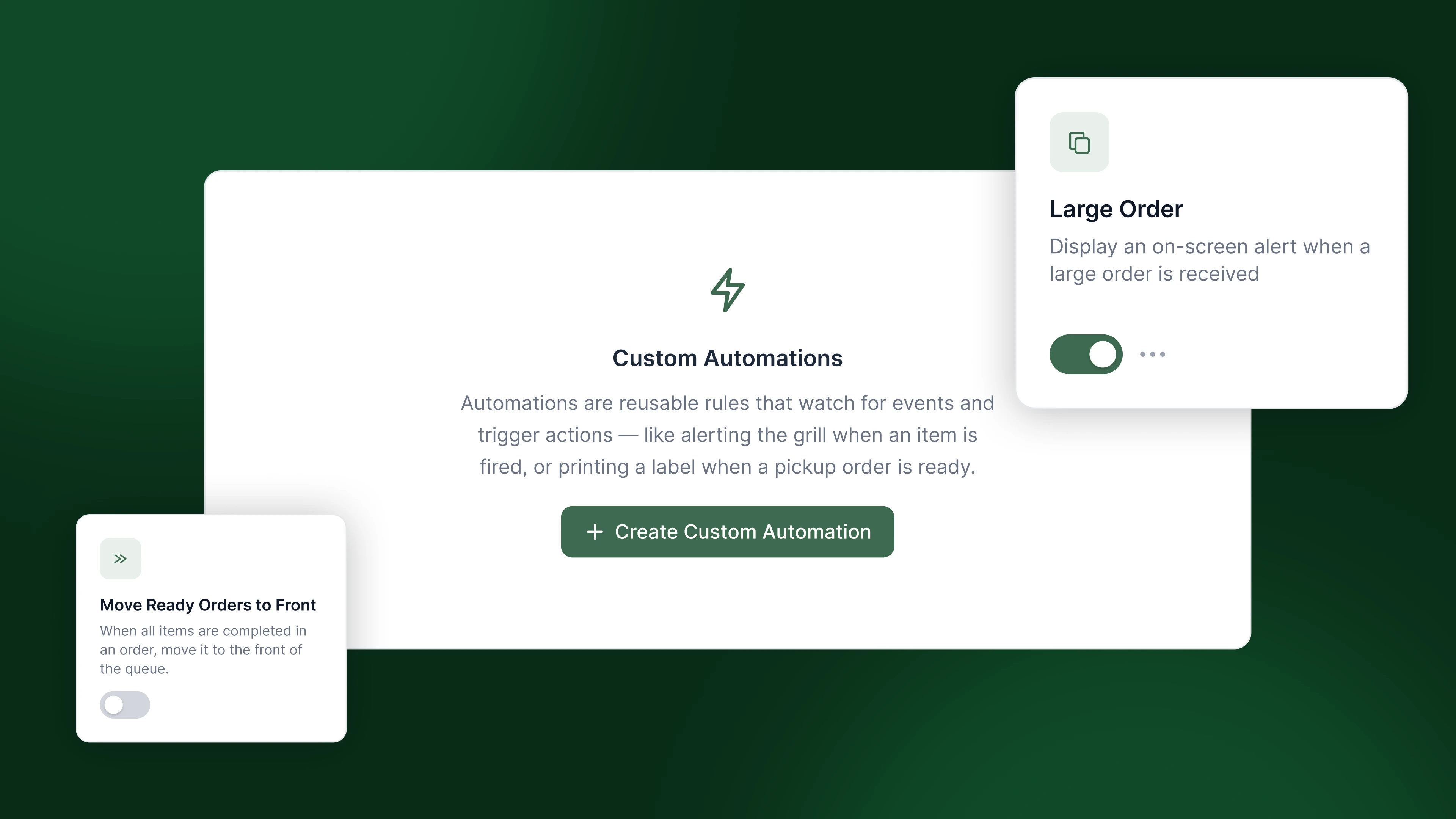
You may have heard it said that if you’ve been in one kitchen then you’ve been in one kitchen. While there are many common practices in restaurant kitchens there are also numerous distinct workflows and quirks that make each kitchen unique. For a kitchen display system to help kitchens run at their best, the KDS must adapt to the kitchen, not vice versa. If your existing KDS doesn’t support your kitchen’s needs your choices are probably either to live with it or spend money and time on custom development work.
Fresh KDS Automations is seeking to change that by letting you (and in the near future autonomous agents) configure custom rule sets that drive the behavior of your KDS screens. No endless settings toggles, no waiting on engineers. Just simple, composable automations so your KDS can finally match your kitchen.
How it works
Every automation follows the same simple structure: a trigger, a condition, and an action. Something happens on an order (trigger), it's checked against a rule you set (condition), and if it matches, the system responds (action). That's the whole model, and it's powerful precisely because it's simple. You're not waiting for the software to anticipate your kitchen's exact scenario; you're describing it yourself and the software is building itself to align with your vision.
Automations can be applied to a whole brand, a specific location, or even a specific screen making it extremely flexible. Automations can be configured remotely and pushed down to screens, so you spend less time setting up your KDS and more time reaping the benefits of modern kitchen technology.
What it enables you to do
Imagine some of these scenarios:
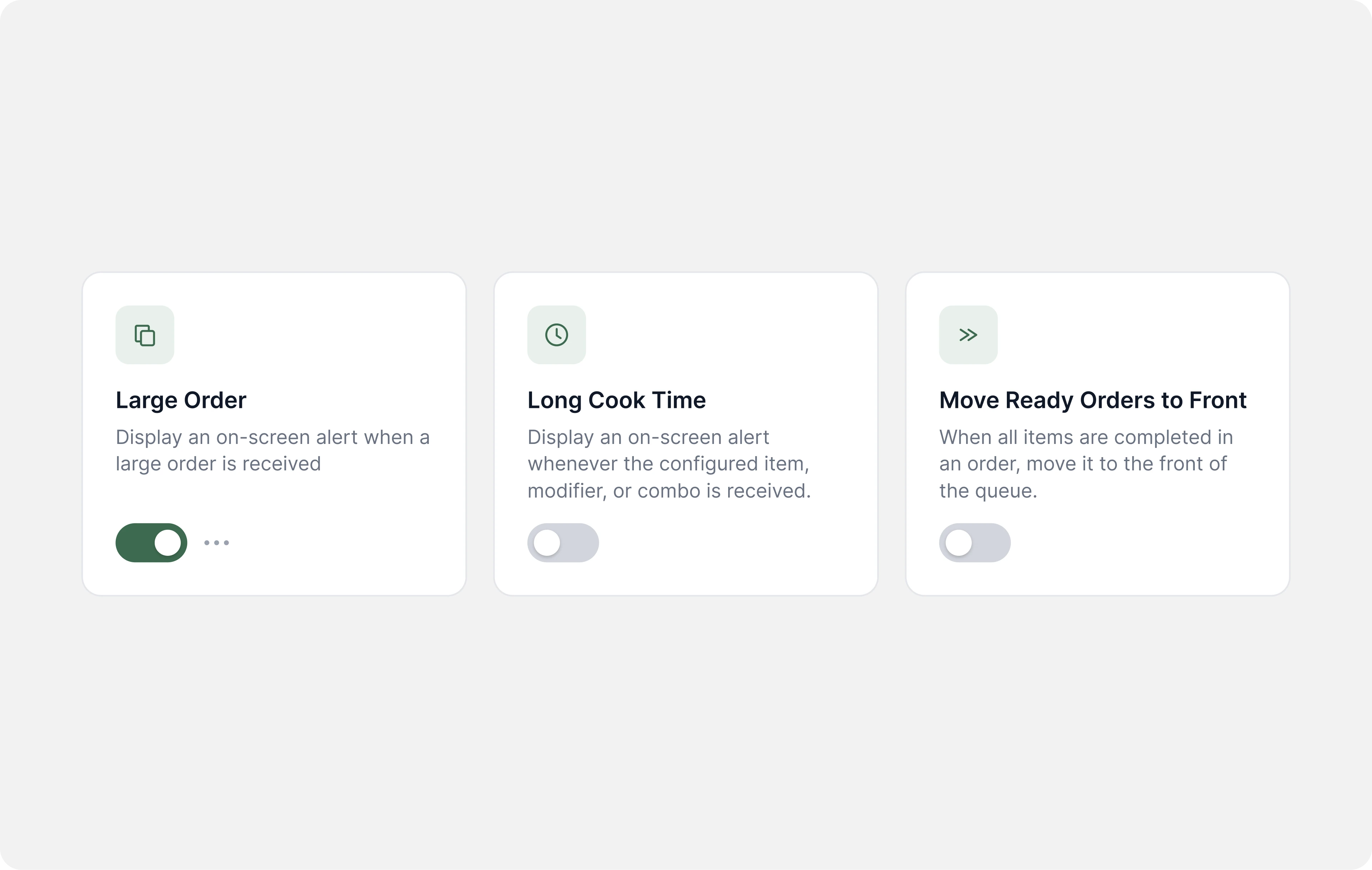
- The Challenge: The item on your menu that takes the longest to cook is the grilled pork chop. If you fail to start it as soon as it’s ordered then the guest won’t get their food on time. When you’re busy new orders display off the visible portion of the screen, so the cook working the grill might not see it for several minutes. The Automation: Whenever an order containing a grilled pork chop comes in the screen pops up a visual alert.
- The Challenge: Larger orders can really swamp your kitchen during busy shifts. Being aware of a new large order can help the kitchen prepare and increase the chances it’s ready on time. The Automation: Whenever an order with more than 10 items comes in the screen pops up a visual alert.
- The Challenge: Sometimes all the items on an order are ready, but the expo station doesn’t know it’s ready to sell because the ticket is further back in the queue. The Automation: Whenever all items on an order are ready move the order card to the front of the expo screen.
- The Challenge: The most commonly missed item for to go orders is the chocolate pie because it’s not ordered that frequently. The Automation: Whenever a to go order containing chocolate pie is bumped the screen pops up a visual reminder.
- The Challenge: Slow speed of service negatively affects your dine-in guest experience, but your floor managers don’t have a good way to know who has been waiting too long. The Automation: Whenever an order’s elapsed time is longer than the location’s goal time send a SMS to the manager on duty.
The possibilities are limited only by your imagination.
The future
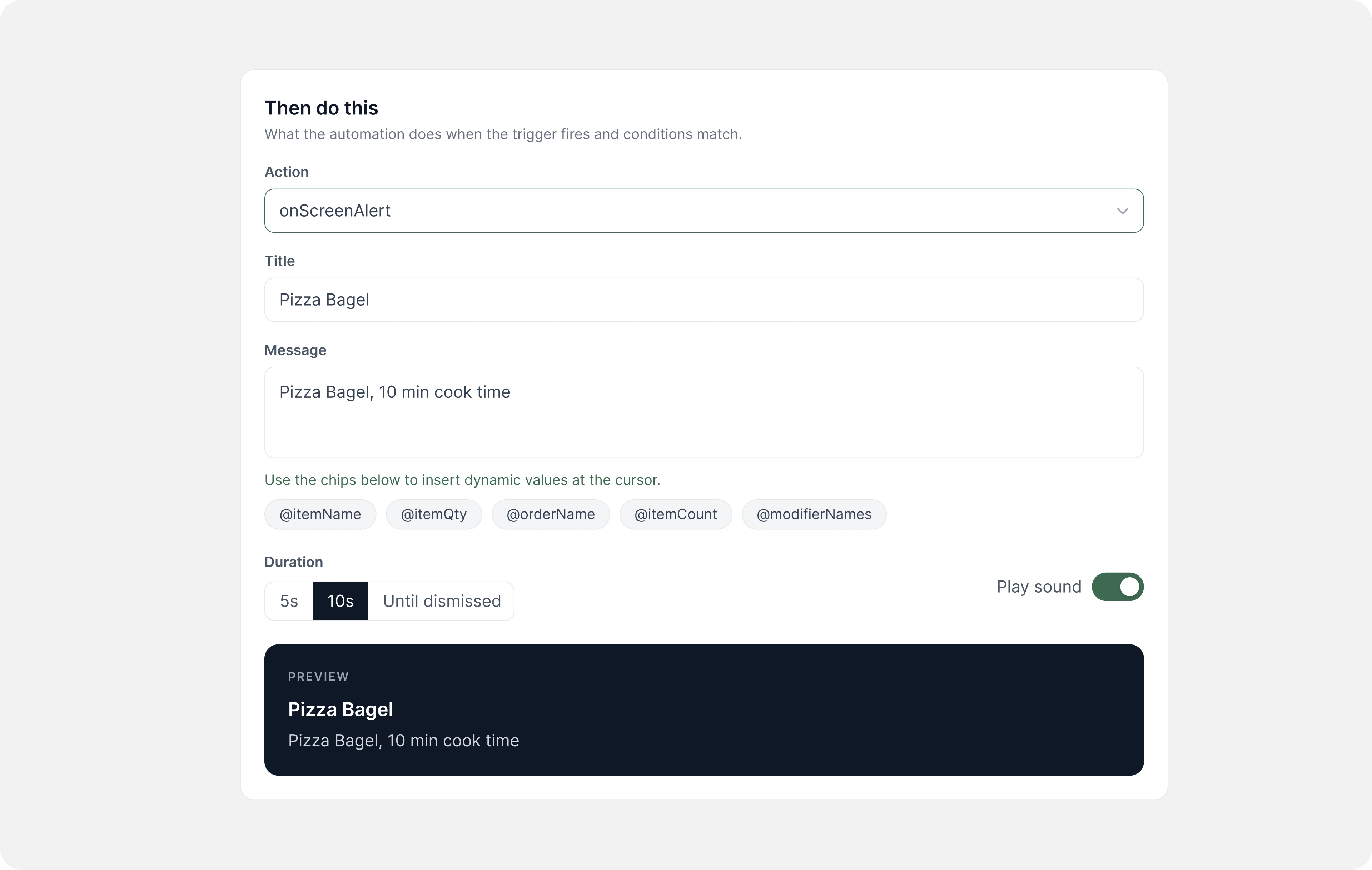
The Fresh KDS Automations template library is available now and fully custom automations will be available soon. The future is automations suggested by agents that have analyzed your kitchen data and understand what KDS configuration would improve your speed of service. The future is automations that can be triggered by and take action on systems outside the KDS (think labor, inventory, or the POS). The future is a kitchen system that gets smarter every time you use it because it knows your kitchen and your rules.



.png)


.webp)


