Fraud Blocker
All Blogs
Kitchen Display Systems

Inside Automations: two real examples from a busy shift

See how Fresh KDS Automations helps busy kitchens catch long cook times and large orders early, so teams can respond before service falls behind.

ABOUT THIS RESTAURANT

Service Type

Locations:

Location

POS Used

See how Fresh KDS can impact your kitchen efficiency today.
Get started
Simplify your kitchen operations with Fresh KDS.
Get started — it's free

Last week we introduced Automations, the Fresh KDS feature that flags the moments in a shift that are easy to miss. This week, two real examples of what that looks like in practice.

Example one: the ticket that quietly runs long

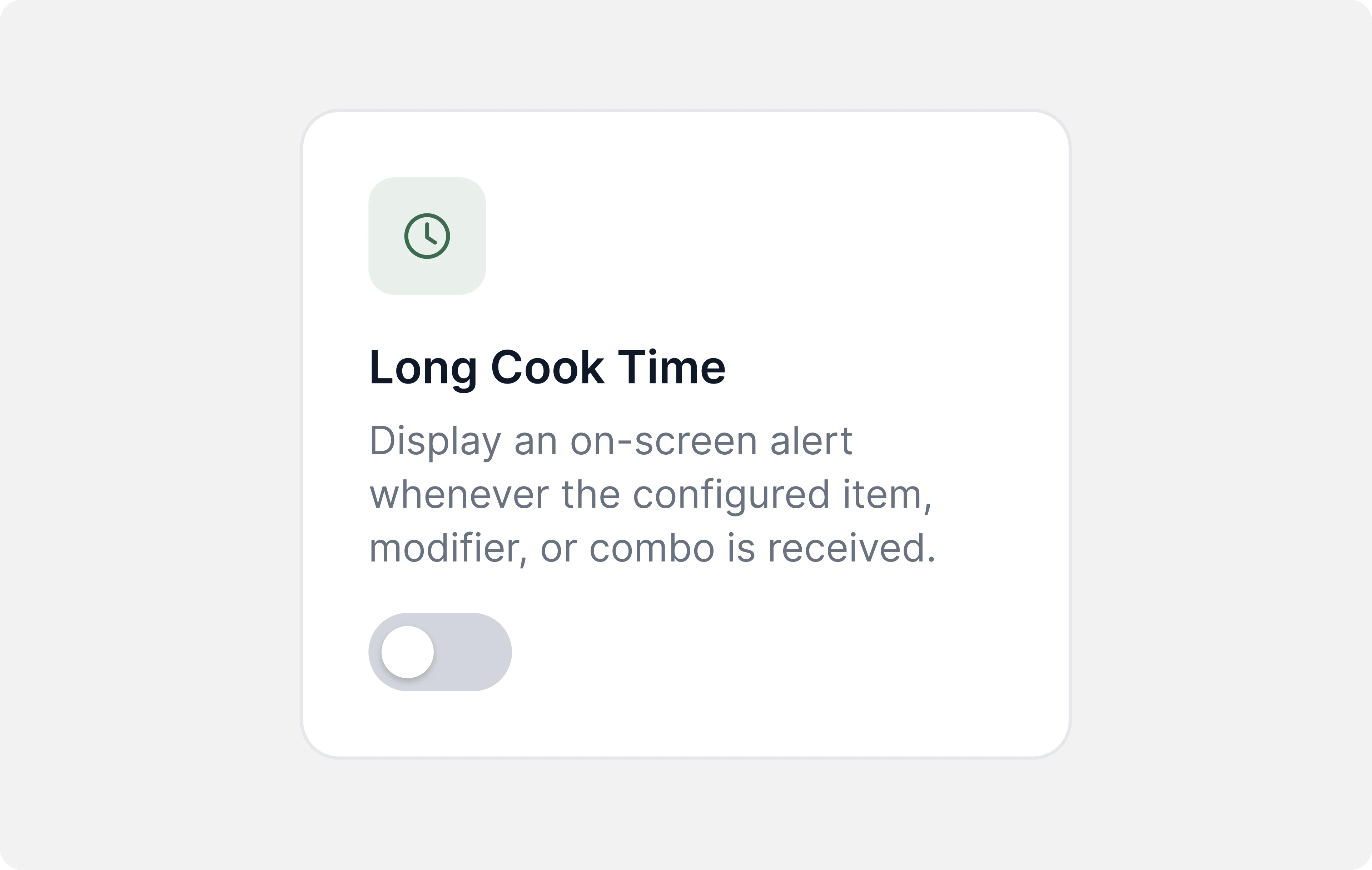
Picture a mid-rush ticket with one item that takes longer to prep than the rest of the order. Nothing about it looks urgent when it fires. Twelve minutes later, it's the only thing standing between a table and their food, and nobody noticed until the whole order was already late.

With the Long Cook Times template turned on, Fresh KDS flags that item on the screen once it's been sitting longer than expected. The team sees it while there's still time to bump it up in priority, not after the guest has already asked where their order is.
Example two: the order that's bigger than usual

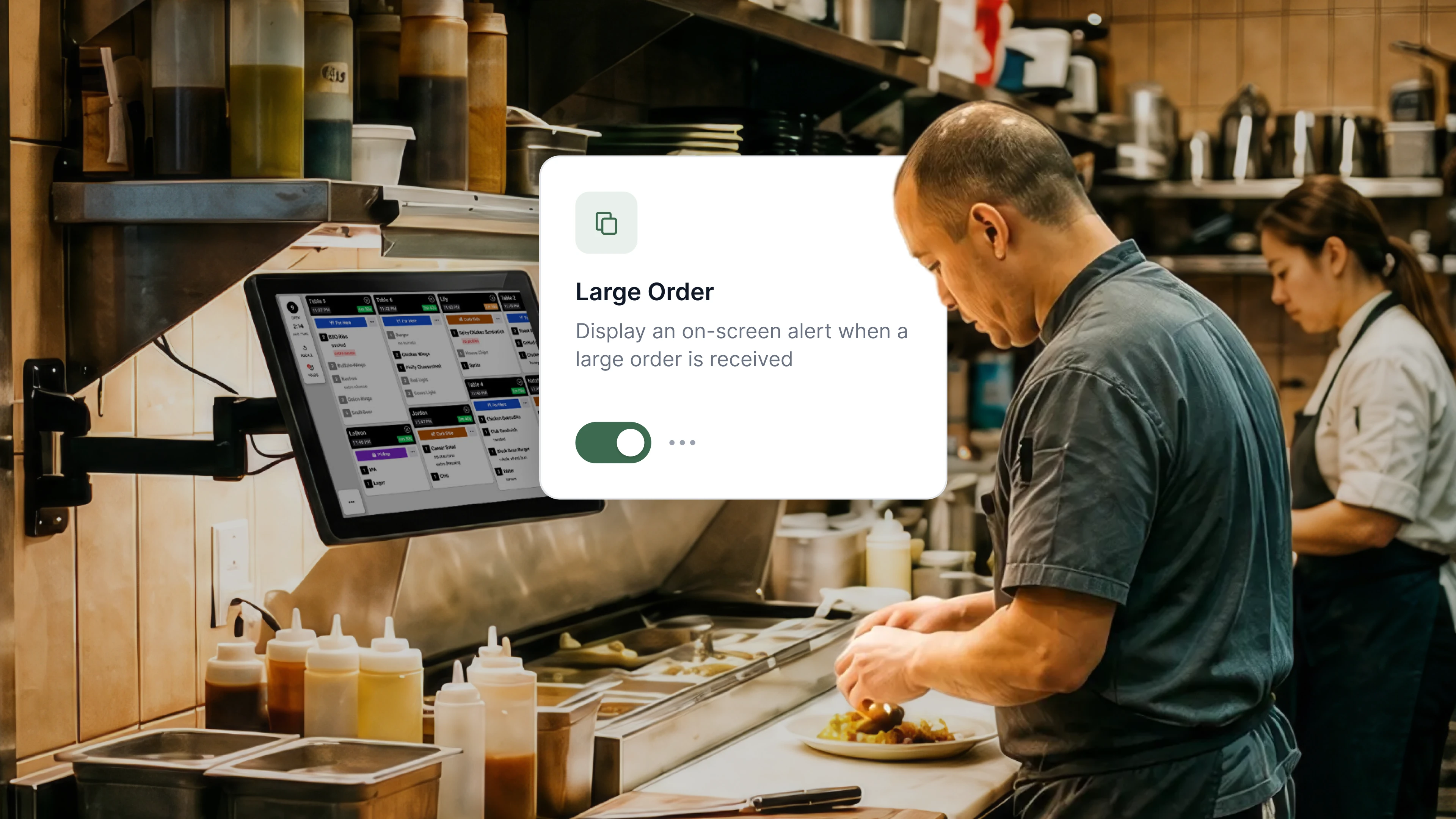
A twelve-item catering pickup lands in the middle of a normal lunch rush. It looks like any other ticket on the screen, until the station realizes, order by order, that it's going to eat up more time than they planned for.

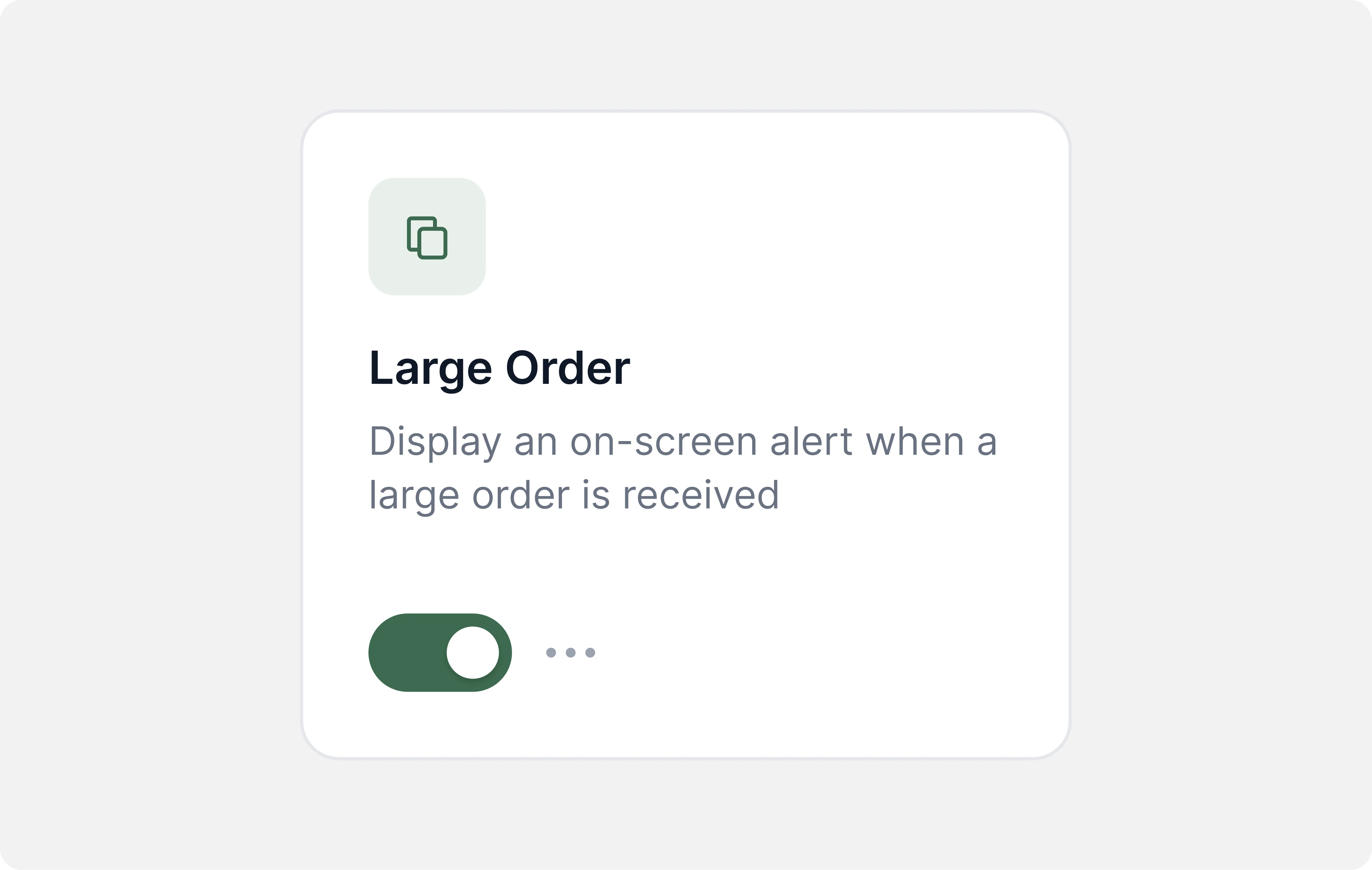
With the Large Orders template turned on, Fresh KDS flags it the moment it comes in, when the order count crosses a threshold you set. The team can plan for it immediately: pull in another set of hands, resequence what's already cooking, or just know it's coming instead of discovering it mid-fire.
What both examples have in common

Neither example involves Fresh KDS taking an action on your behalf. In both cases, the system's job stops at the flag. Your team decides whether to bump the ticket, call in help, or resequence the line. That's intentional: the goal is to make sure nothing worth noticing gets missed, not to hand decisions to a screen.

Automations is in beta today, with Long Cook Times and Large Orders as the two live templates. Available now on Premium plans.

If either of these examples sounds like something your kitchen has lived through, that's exactly the kind of moment Automations is built to catch.

August 14, 2026

Inside Automations: two real examples from a busy shift

Last week we introduced Automations, the Fresh KDS feature that flags the moments in a shift that are easy to miss. This week, two real examples of what that looks like in practice.

Example one: the ticket that quietly runs long

Picture a mid-rush ticket with one item that takes longer to prep than the rest of the order. Nothing about it looks urgent when it fires. Twelve minutes later, it's the only thing standing between a table and their food, and nobody noticed until the whole order was already late.

With the Long Cook Times template turned on, Fresh KDS flags that item on the screen once it's been sitting longer than expected. The team sees it while there's still time to bump it up in priority, not after the guest has already asked where their order is.

Example two: the order that's bigger than usual

A twelve-item catering pickup lands in the middle of a normal lunch rush. It looks like any other ticket on the screen, until the station realizes, order by order, that it's going to eat up more time than they planned for.

With the Large Orders template turned on, Fresh KDS flags it the moment it comes in, when the order count crosses a threshold you set. The team can plan for it immediately: pull in another set of hands, resequence what's already cooking, or just know it's coming instead of discovering it mid-fire.

What both examples have in common

Neither example involves Fresh KDS taking an action on your behalf. In both cases, the system's job stops at the flag. Your team decides whether to bump the ticket, call in help, or resequence the line. That's intentional: the goal is to make sure nothing worth noticing gets missed, not to hand decisions to a screen.

Automations is in beta today, with Long Cook Times and Large Orders as the two live templates. Available now on Premium plans.

If either of these examples sounds like something your kitchen has lived through, that's exactly the kind of moment Automations is built to catch.

Switch to Fresh KDS with confidence

Follow this step-by-step guide for a quick and stress-free switch from Square KDS to Fresh KDS.

Why Speed of Service Matters

See why speed and consistency are key to restaurant success, improving guest satisfaction, revenue, and efficiency.

Get started for free.

Begin your Fresh KDS 7-day trial today by setting up your account. The process is completely free, and only takes a few minutes. No credit card is needed, and you can cancel anytime.

Get started - it's free
Boosting kitchen EFFICIENCY at