Resumen de artículos
Resumen de artículos
Vea artículos de todos los tickets al instante
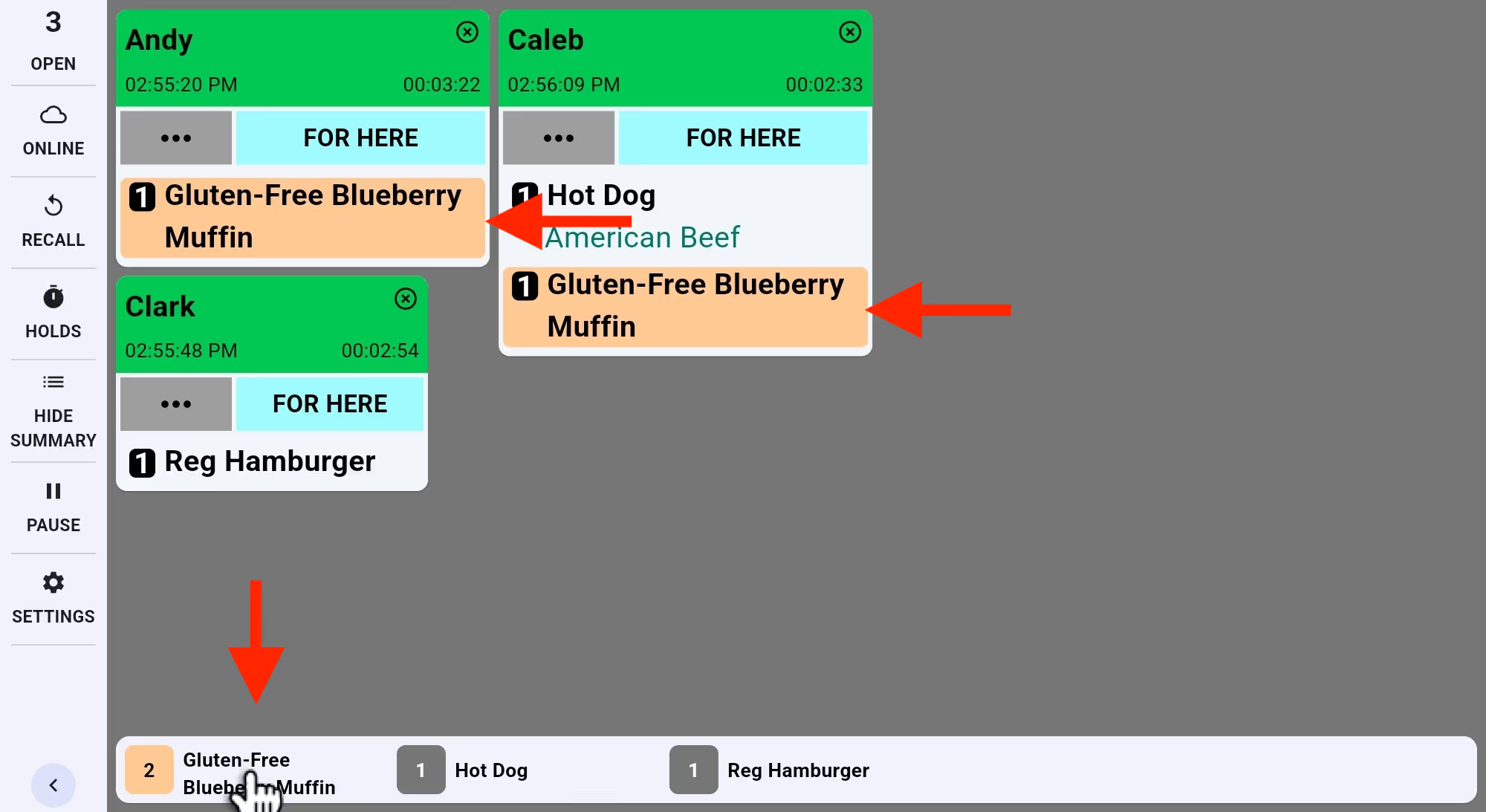
Siga los artículos del menú en la barra de resumen. Toque para resaltar todas sus apariciones y agilizar la preparación.

Siga los artículos del menú en la barra de resumen. Toque para resaltar todas sus apariciones y agilizar la preparación.
Explore Fresh KDS con nuestra demostración interactiva. Compruebe lo sencilla que puede ser la gestión de pedidos.
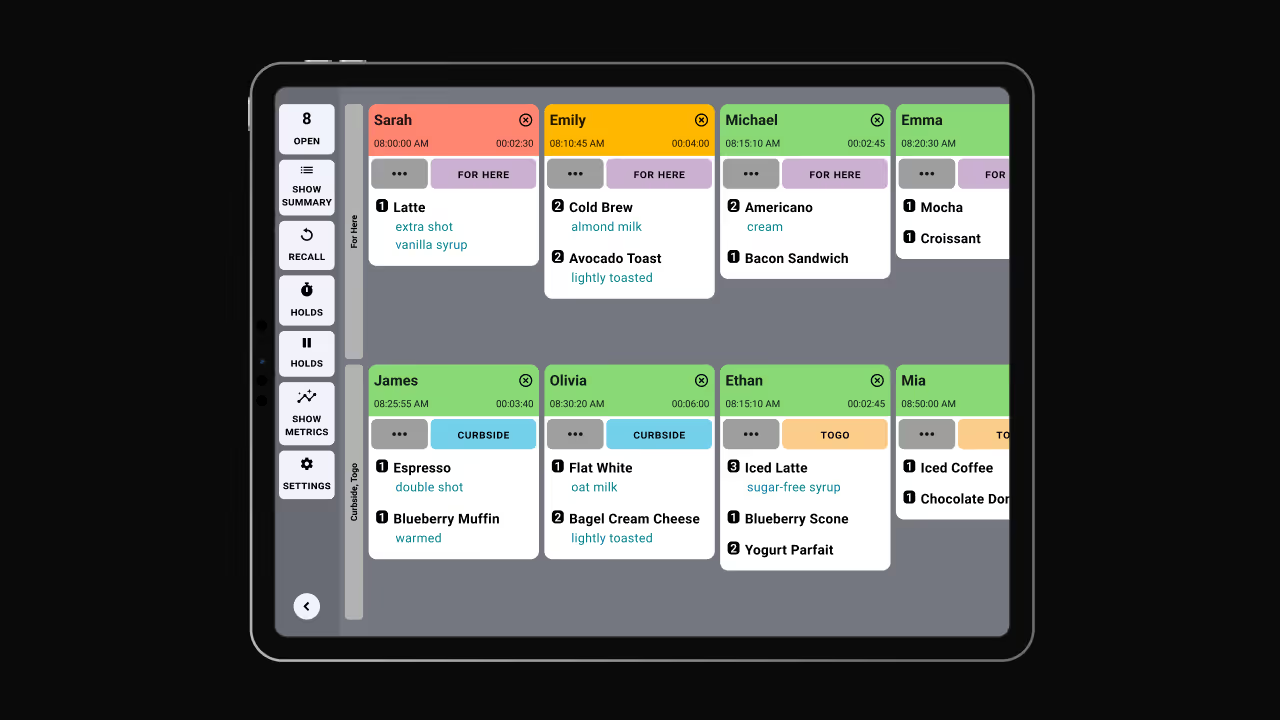
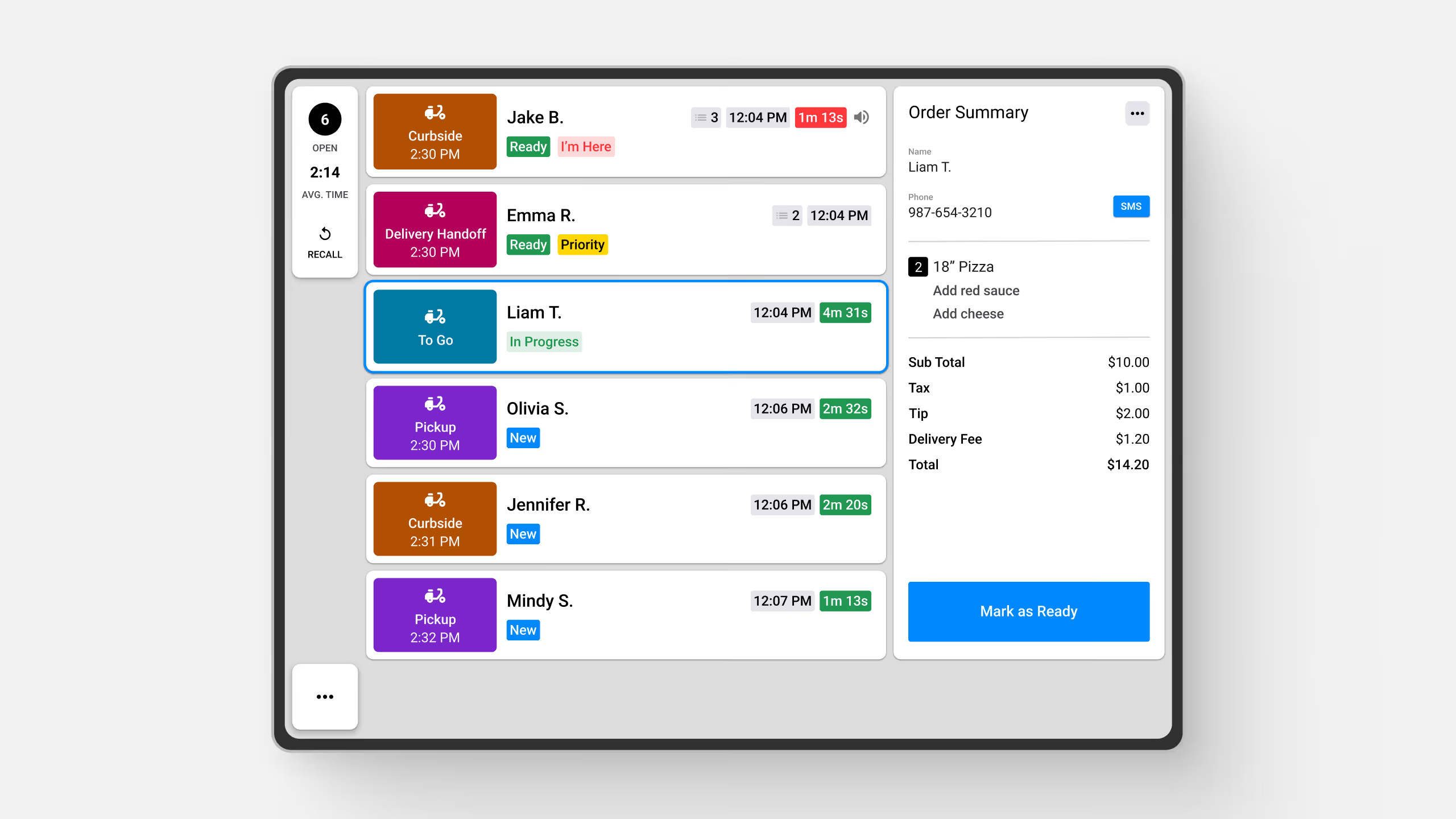
Introducing the Item Summary feature in Fresh KDS—a powerful tool designed to streamline your kitchen operations by providing a real-time overview of all items across active tickets. This feature enables your team to efficiently track and manage order preparation, ensuring timely and accurate service.
Key Benefits:
How It Works:
The Item Summary bar is conveniently located on your KDS screen, providing an at-a-glance view of item counts. Items can be organized by quantity, alphabetically, or according to a custom sort order that suits your kitchen's workflow. This flexibility ensures that your team can access the information they need in the most intuitive format.
For detailed instructions on utilizing the Item Summary feature, please refer to our Help Center article.
Descubra todas las formas en las que puede optimizar las operaciones de su cocina con Fresh KDS.
Comience hoy mismo su prueba de 7 días de Fresh KDS configurando su cuenta. El proceso es completamente gratuito y solo lleva unos minutos. No se necesita tarjeta de crédito y puedes cancelar en cualquier momento.
Empieza, es gratis.png)


.webp)


.avif)




.avif)



.avif)


.avif)


